
Explore
 After
Remove Background
Make this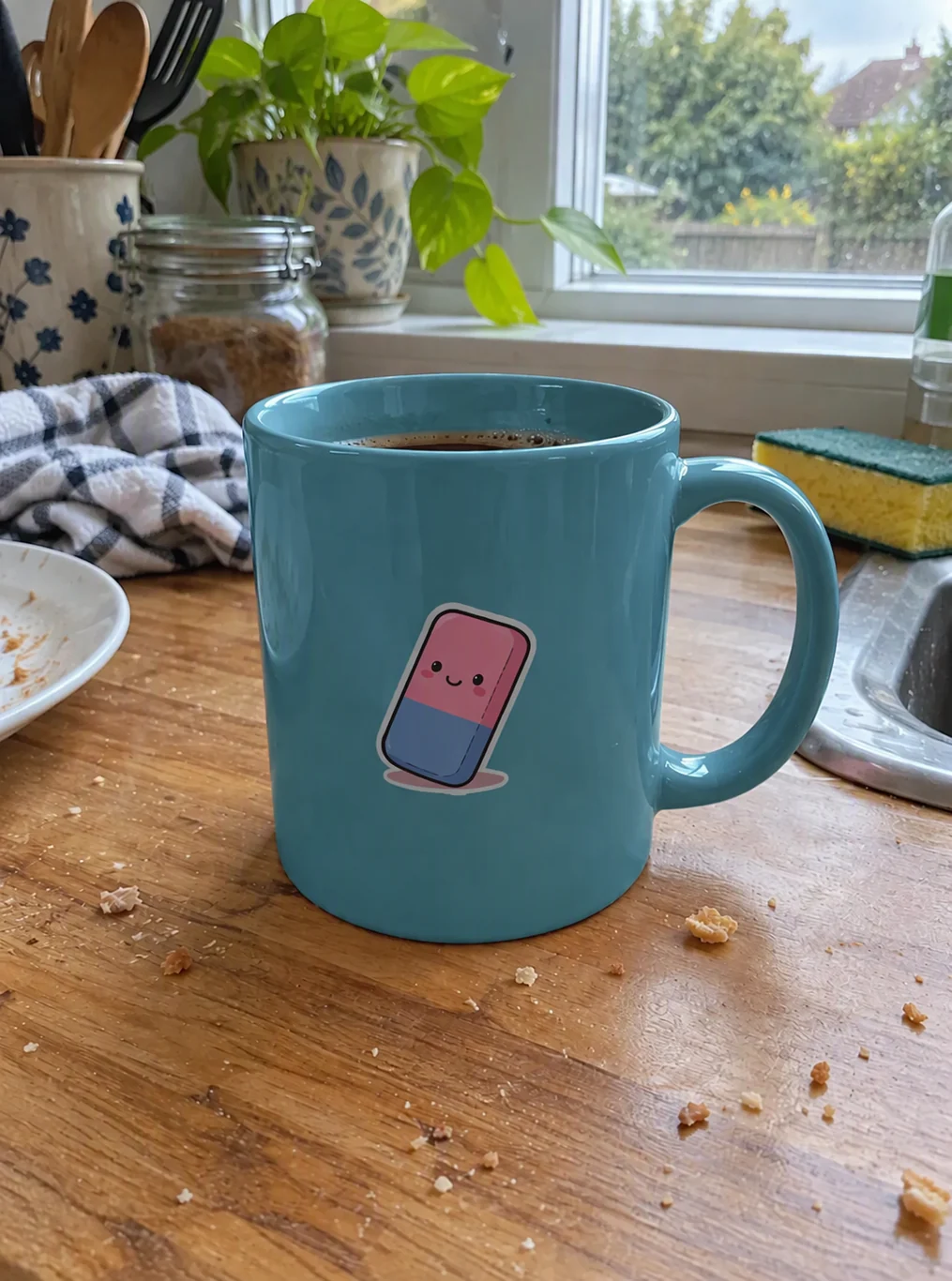 After
Recolor Image
“Change only the pink mug to teal blue. Preserve its printed design, ceramic texture, reflections, shape and the kitchen background.”
Make this After
Recolor Image
“Recolor only the blue denim jacket burgundy red. Preserve denim weave, seams, buttons, the white shirt, face and garage background.”
Make this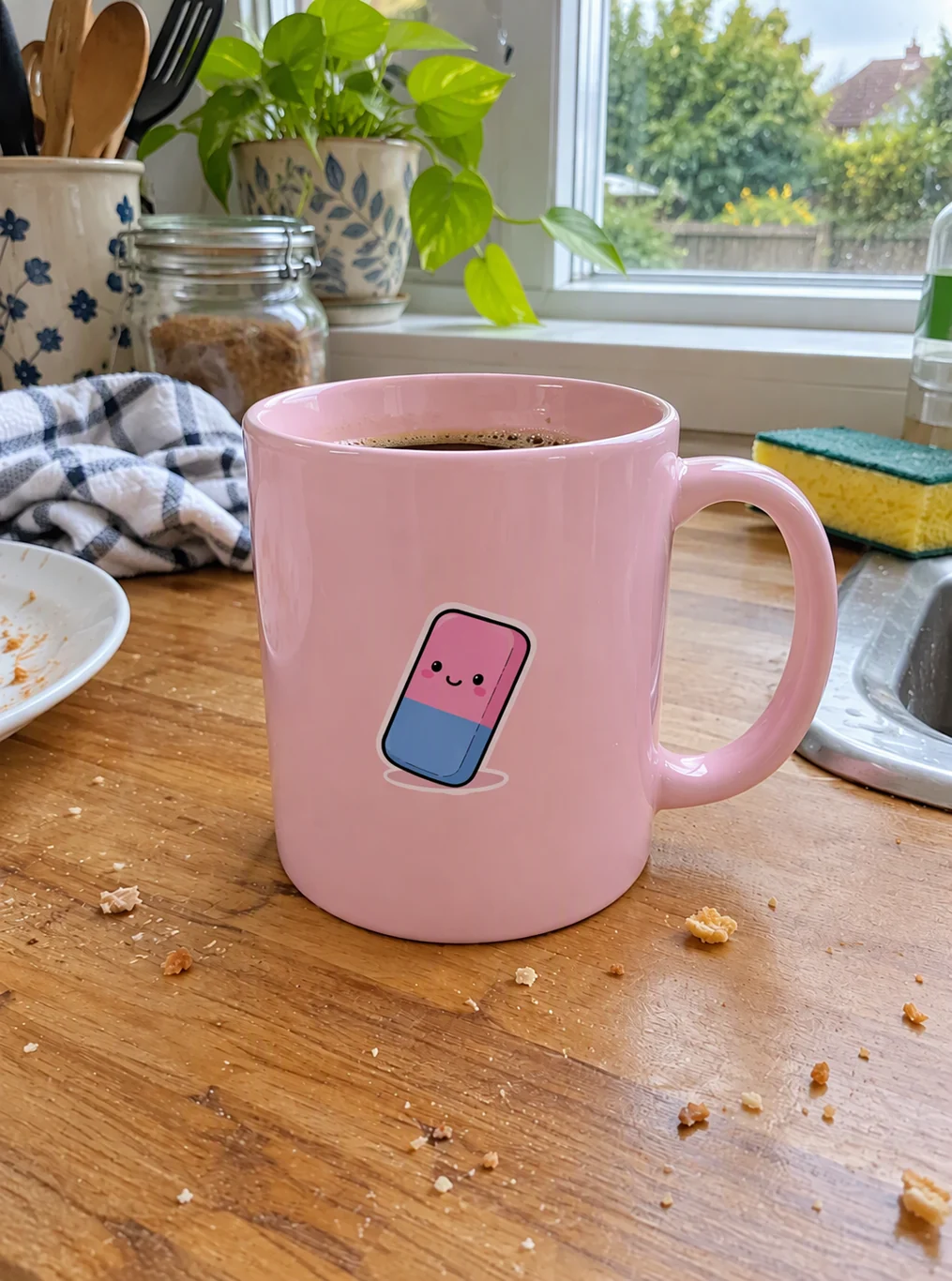 After
Remove Shadow from Photo
“Remove the dark diagonal cast shadow across the photo. Use even natural lighting. Preserve the subject, colors, texture and background. Keep natural contact shadows.”
Make this After
Remove Shadow from Photo
“Remove the dark diagonal cast shadow across her face and hair. Use even natural lighting. Preserve the subject, colors, texture and background. Keep natural contact shadows.”
Make this After
Change Background
“Change the background to a sandy beach at sunset”
Make this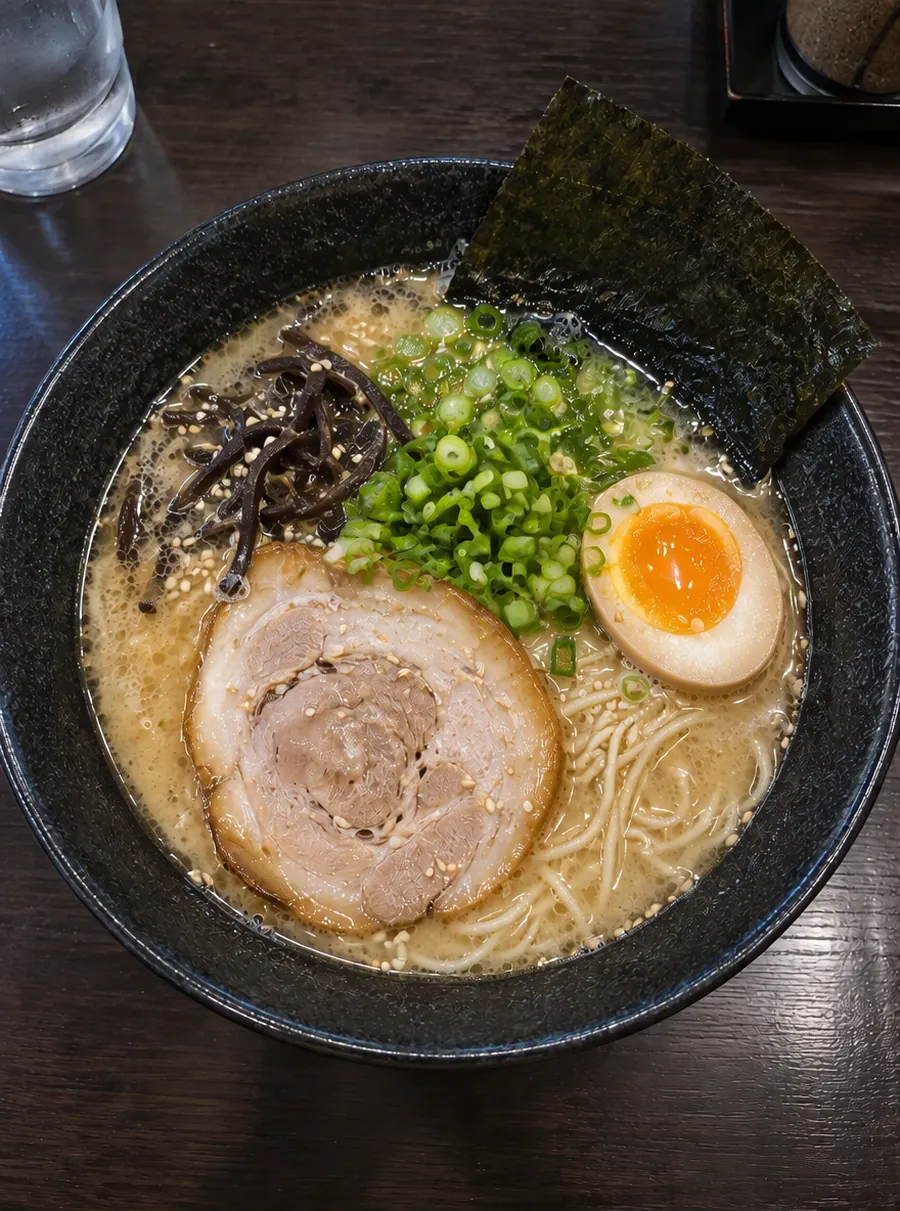 After
Remove Text from Image
“Remove the SAMPLE watermark and the date stamp”
Make this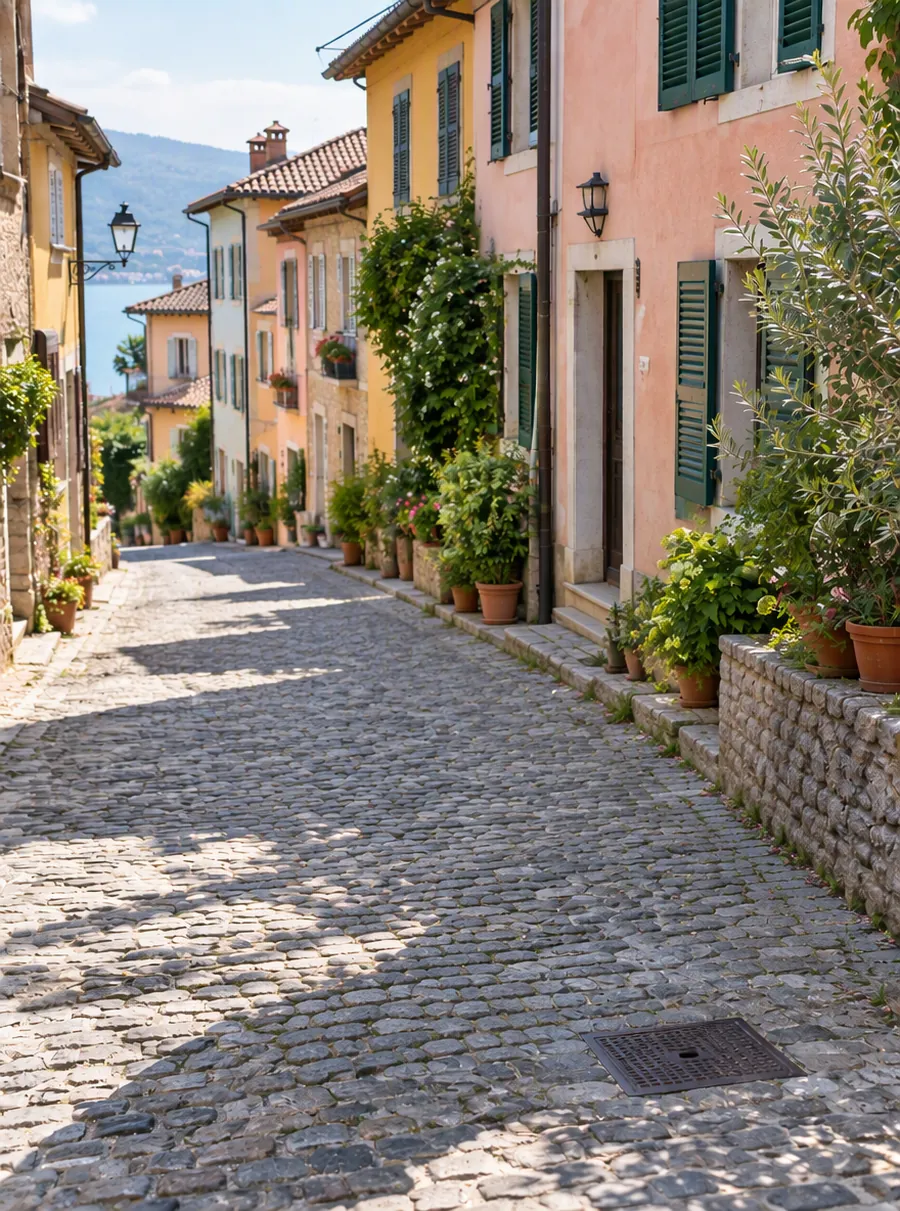 After
Remove Object from Photo
“Remove the green trash bin and the orange scooter”
Make this After
Remove Person from Photo
“Remove the three tourists in the background”
Make this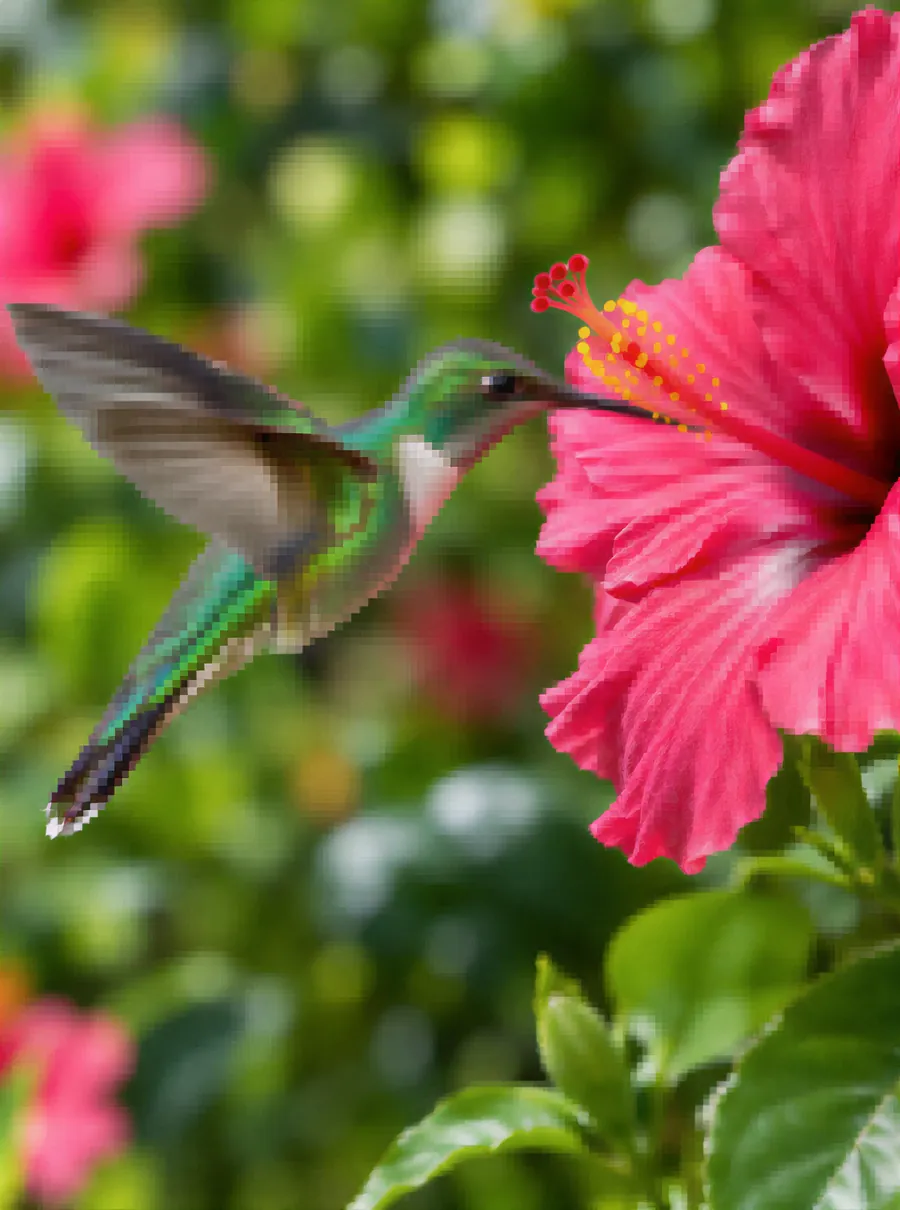 After
Image Upscaler
Make this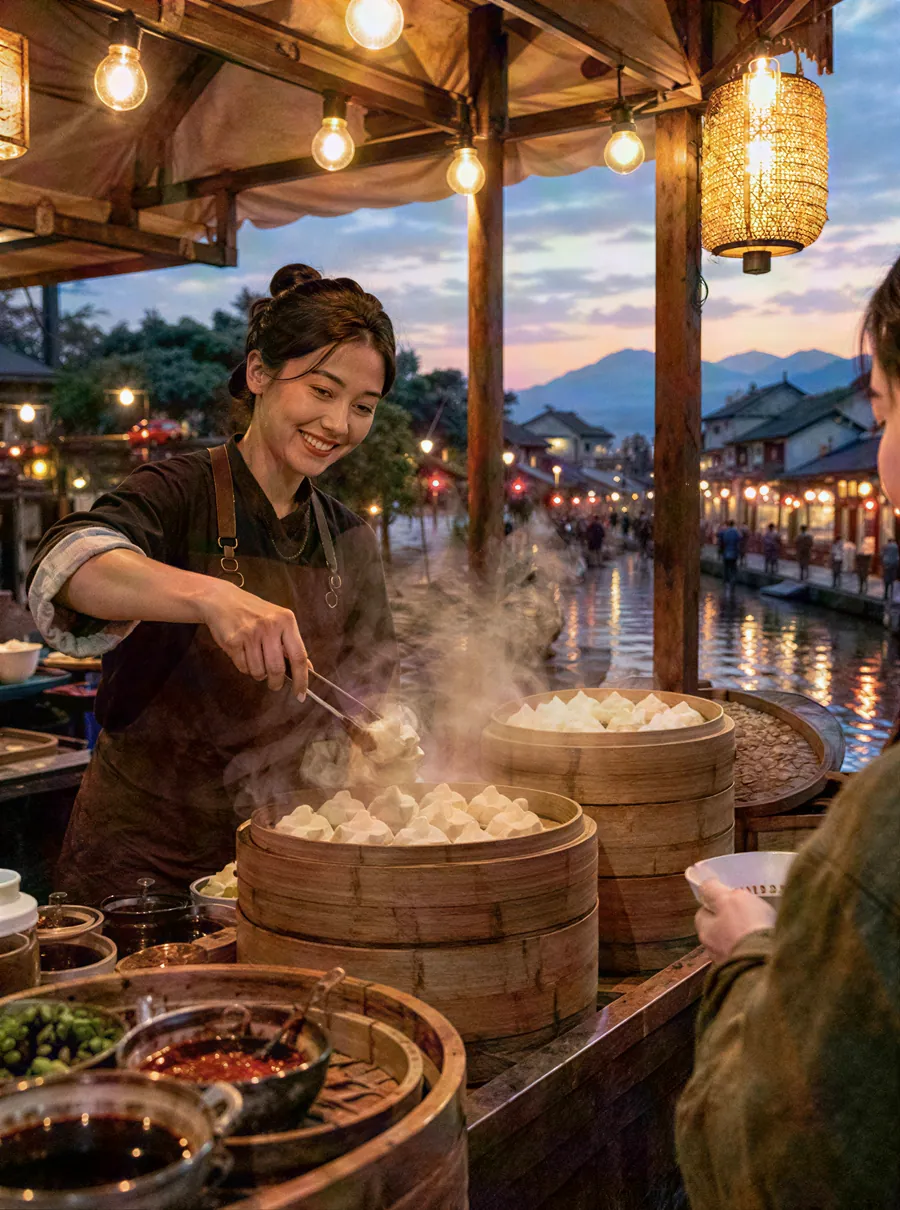 After
Photo Enhancer
Make this After
Unblur Image
“Unblur and sharpen this photo”
Make this After
AI Headshot Generator
“Navy blazer, white shirt, light gray studio backdrop”
Make this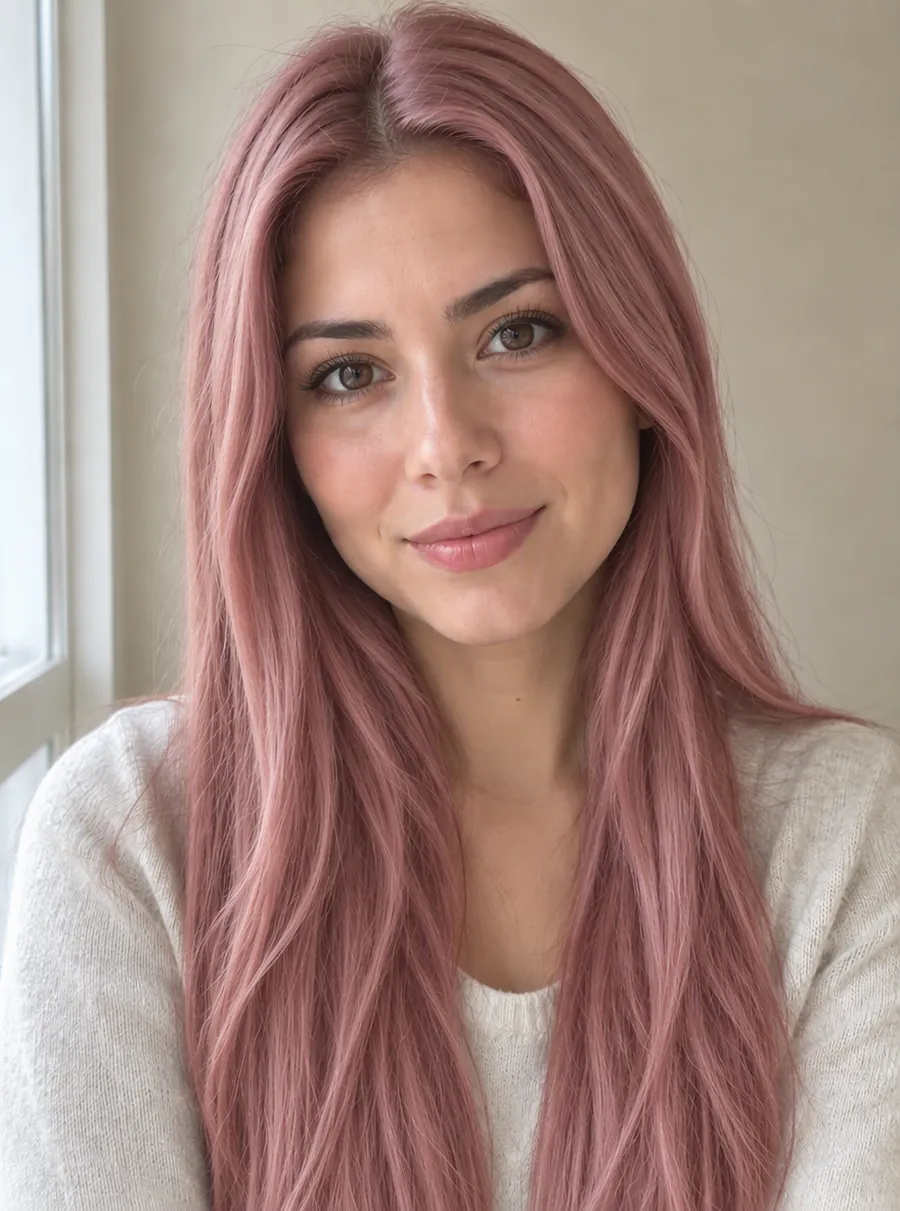 After
Change Hair Color
“Change her hair color to a soft pastel rose pink”
Make this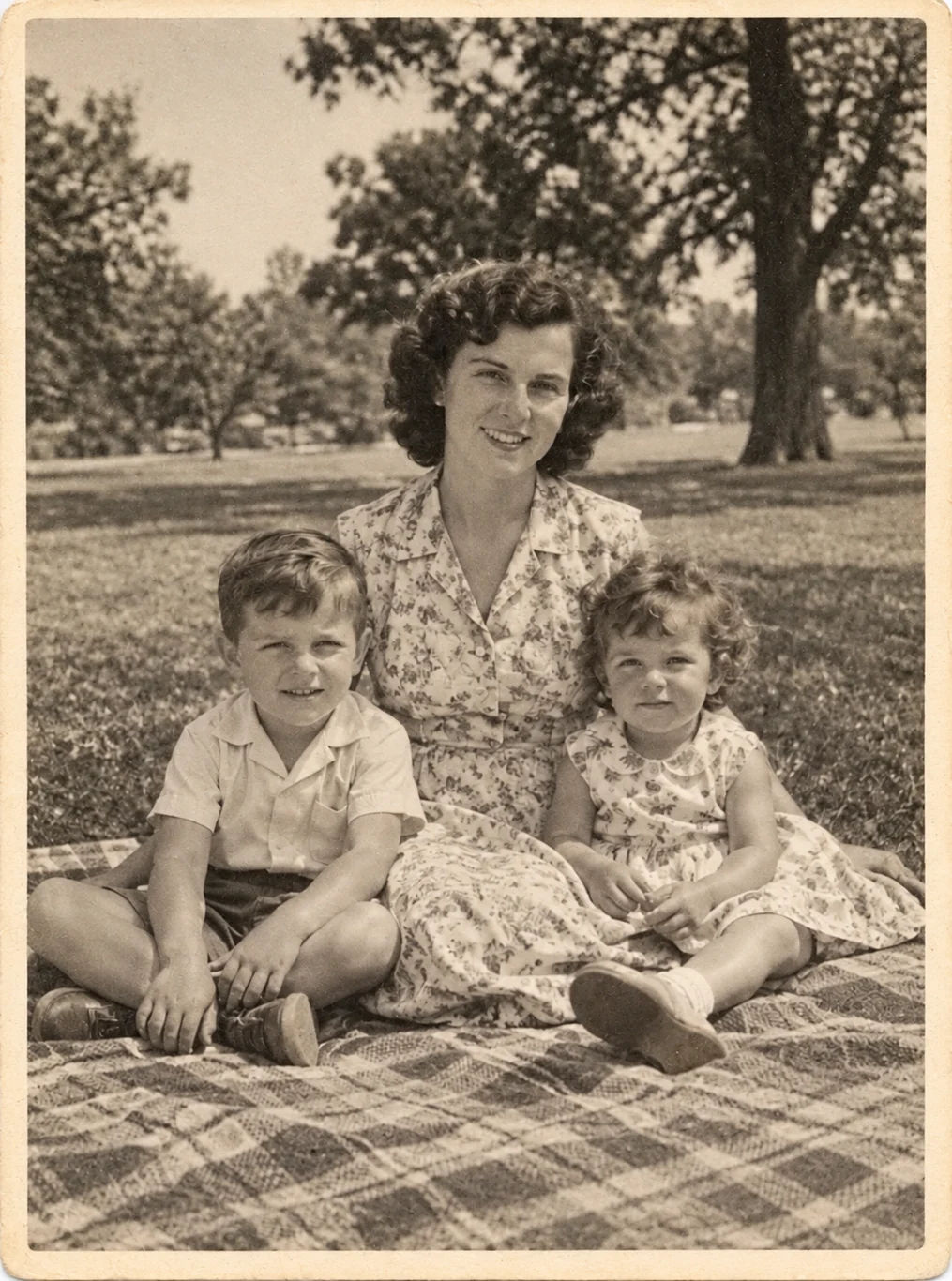 After
Photo Restoration
“Restore this old photo: repair tears, creases, stains and scratches. Preserve the people, poses, composition and the original sepia tone. Do not invent missing facial details.”
Make this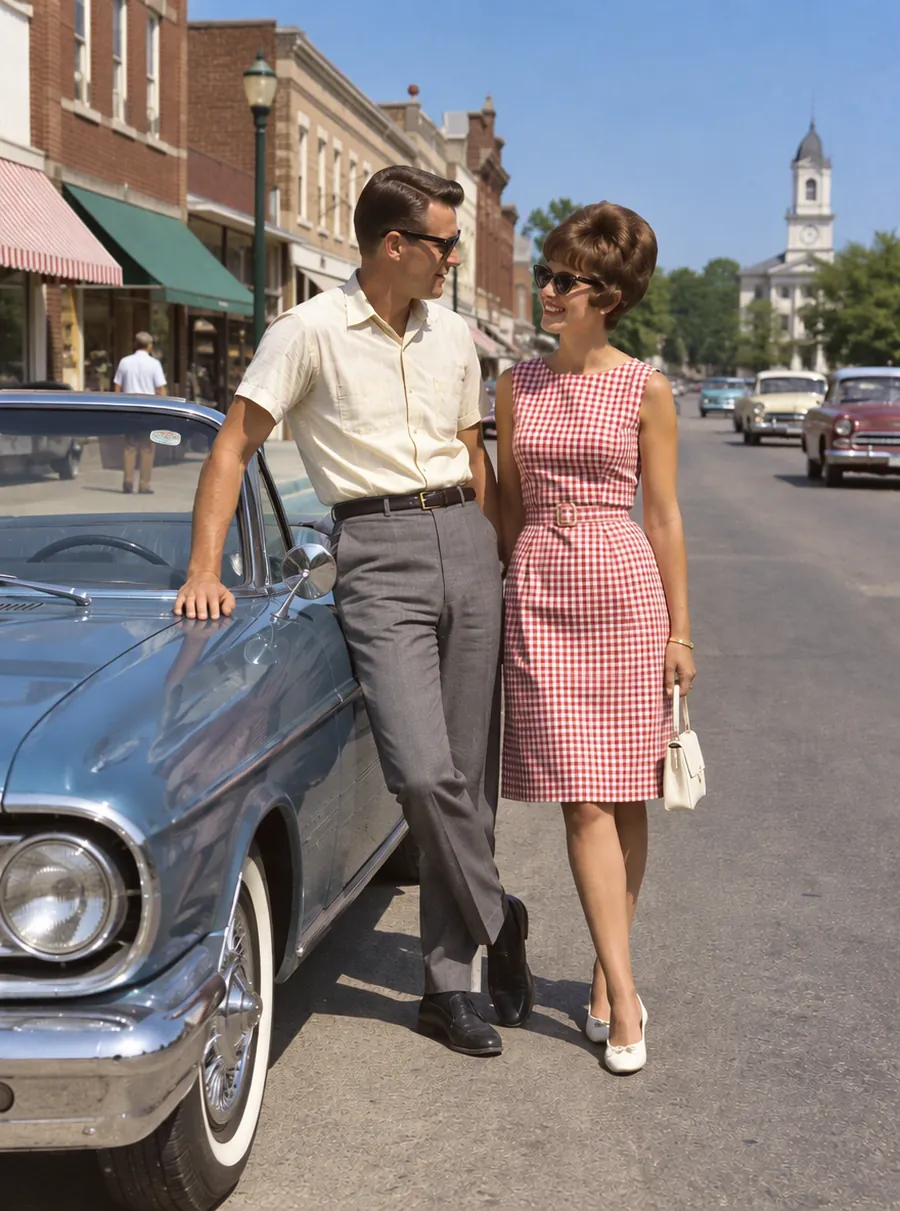 After
Colorize Photo
“Colorize this black and white photo with natural colors”
Make this