
1080p free · 2K and 4K on paid plans
Upscale Photos to a Higher Resolution
This AI image upscaler adds pixels to small photos so they hold up at 1080p, 2K or 4K, with edges that stay crisp instead of going blocky. Pick a target size, upload, and download the larger file.
- 1080p free
- No watermark
- Commercial use
No account needed
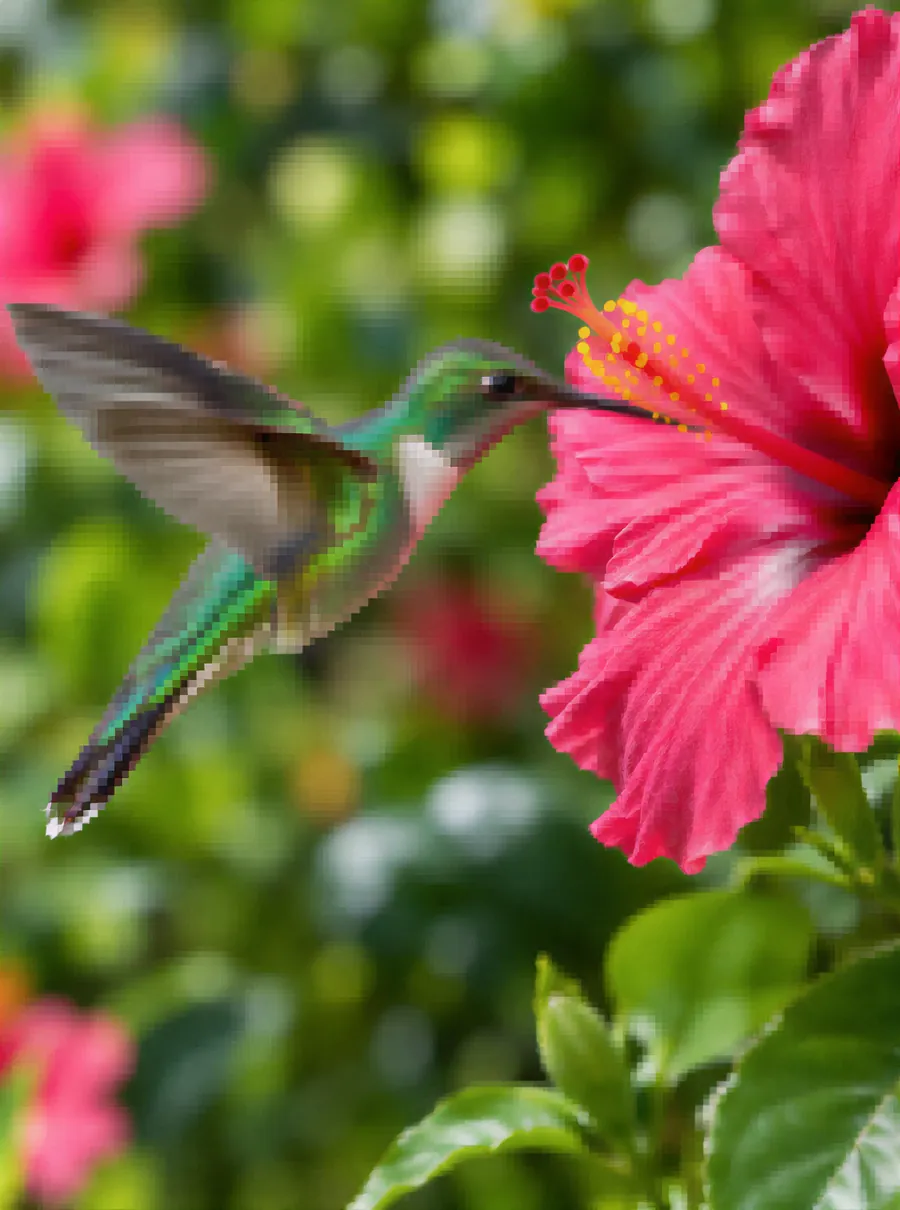
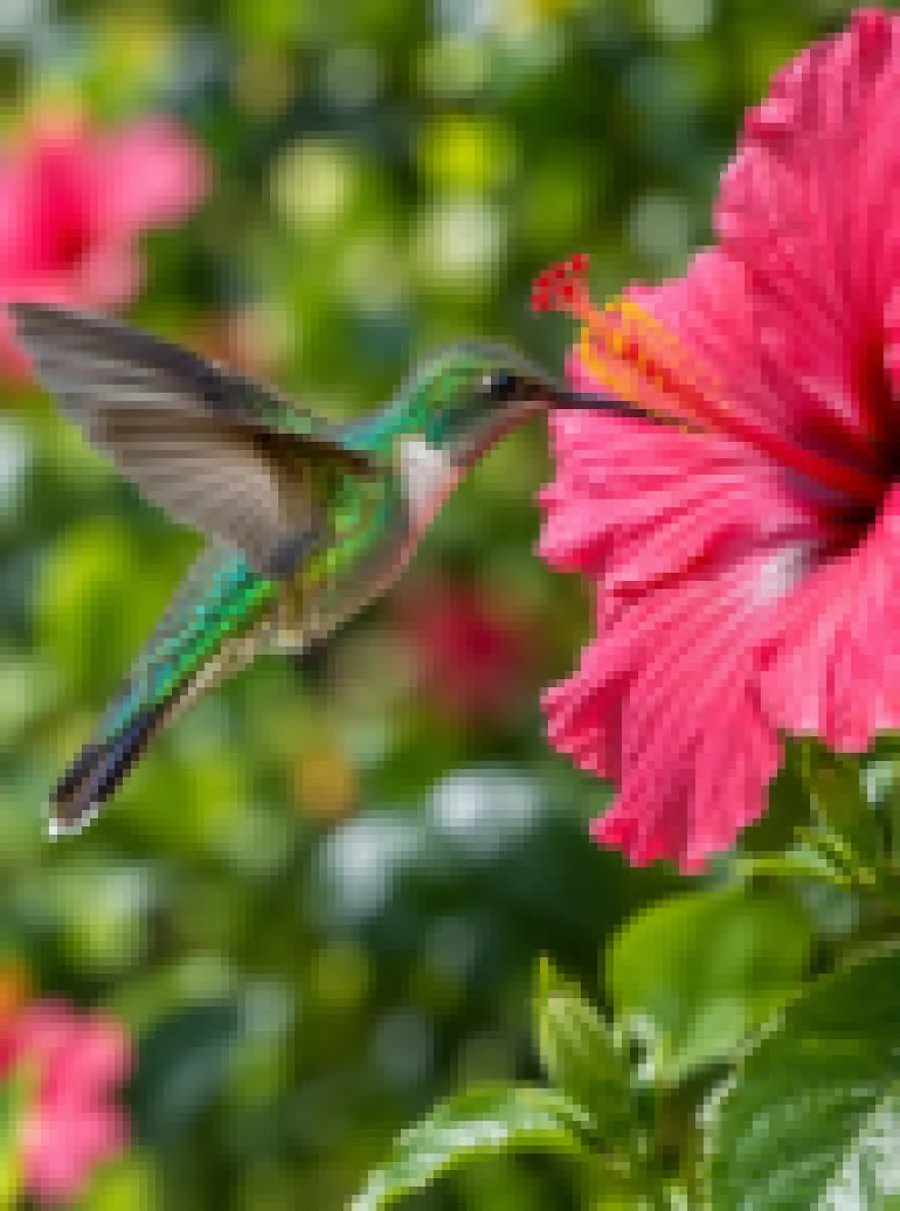
How to upscale an image
Upload the picture you want larger
Drag it in or paste it from the clipboard. Use the biggest, least edited copy you have. A file that has been cropped, screenshotted and resent several times carries compression blocks, and enlarging it makes those blocks bigger too.
Choose 1080p, 2K or 4K
Pick the size for where the picture is going: 1080p for the web and phones, 2K for large monitors and online stores, 4K for 4K screens and print. You can add a short prompt about anything that must survive the enlargement, like the grain of a film photo or the text on a label.
Inspect at 100 percent, then download
Thumbnails hide everything. Open the result at full size and pan across edges, hair, lettering and flat areas such as sky. If it looks right, save it; if a detail bothers you, use Edit again with a prompt about that spot.
Pick 1080p, 2K or 4K
The tool works as an image resolution enhancer with three fixed targets. Each uses a different number of credits, and the two larger ones belong to paid plans.
| Target | Credits | Available on | Good for |
|---|---|---|---|
| 1080p | 1 | Free and paid | Social posts, blog images, slides, phone wallpapers |
| 2K | 2 | Paid plans | Large monitors, product zoom on store pages, small prints |
| 4K | 3 | Paid plans | 4K displays, posters, room to crop later |
To be straight about the page title: this is a 4K image upscaler only on a paid plan. As a free image upscaler it stops at 1080p, which costs 1 credit, so you can upscale image free of charge three times a day as a guest or five times with a free account. That free 1080p target is its own setting, separate from the 1K size that free prompt edits elsewhere on the site come out at. The Starter plan, $9.99 monthly with 250 credits, covers more than 80 upscales to 4K.
Bigger is not automatically better. A 4K file of a tiny source picture contains a lot of detail the AI had to make up, so choose the smallest target that does the job.
Prompts that steer the enlargement
The size picker does the main work, but a short line of text tells the AI what to protect while it adds pixels. Paste one of these and adjust it to your picture.
| Prompt | What it does |
|---|---|
| Keep the film grain while enlarging | Stops an analog or scanned photo from turning waxy and overly smooth |
| Keep the label text on the bottle crisp | Asks for clean lettering on packaging in product photos |
| Enlarge this logo without adding texture | Keeps flat color areas flat instead of inventing a surface pattern |
| Keep the skin natural, no extra smoothing | Holds back the plastic look on portraits at 2K and 4K |
| Keep the hard edges of this illustration | Suits flat artwork, icons and drawings with clean outlines |
| Do not add new objects to the background | Reminds the AI to sharpen what exists rather than fill in extra detail |
Upscale for print, ecommerce and wallpapers
Phone photos often look fine on screen and soft on paper, because a print spreads the same pixels over a much larger surface. For a framed photo or a poster, go to 4K; for a greeting card or a small print, 2K is usually plenty. Ask your print shop what size they want before you choose, since requirements differ.
Online stores and listings
Marketplaces and store themes let shoppers zoom into product pictures, and small supplier images fall apart under that zoom. An AI upscale image pass to 2K gives the zoom something to show. Keep a product set consistent by upscaling every picture in it to the same target.
Wallpapers and screens
A wallpaper should match the screen it sits on. 1080p covers most phones and laptops, while a 4K monitor or TV needs a 4K file to avoid looking soft from the couch. Using the image upscaler free at 1080p is enough for a phone lock screen.
Old, small or cropped files
Pictures from early digital cameras, cropped details from a group shot and images saved from old websites are often only a few hundred pixels wide. A photo upscaler can make them usable again, though the smaller the start, the more of the result is reconstruction.
Upscale vs enhance vs unblur
Upscaling answers one question: is this picture large enough? It does not, on its own, correct bad color, remove grain or repair a shaky shot, and it cannot recover what was never captured. If you enlarge a blurred picture, you get a bigger blurred picture.
- Pick upscale when the photo already looks good at its current size and simply needs more pixels.
- Pick enhance when the problem is quality: muddy color, noise, dim light or smudged fine detail.
- Pick unblur when edges are streaked by movement or the subject missed focus.
For dull, noisy shots, run the photo enhancer before you enlarge anything. If movement or bad focus smeared the shot, start with the unblur tool. Upscale last, so the extra pixels are built on the cleanest version you have.
Be careful with faces and text at large sizes. The AI aims to keep a person's features and the shapes of letters, but on very small originals it can produce eyes, teeth or characters that look sharp and are not quite what was there. Check them before you print or publish, and do not treat an enlarged picture as proof of what a photo showed.
FAQ
How to upscale an image?
Upload the photo, choose 1080p, 2K or 4K, and optionally add a sentence about what to protect, such as text or grain. Review the result at full size, then download it. 1080p runs on the free daily credits; the two larger targets need a paid plan. Nothing to install, since it all happens in the browser.
How to improve resolution of a photo?
Add pixels with an upscaler instead of stretching the file in a viewer or a slide deck, which only makes each pixel bigger and blurrier. Start from the original, choose a target that matches where the picture will be used, and fix blur or noise first, because an upscale magnifies every flaw that is already there.
Best free AI image upscaler 2026
A free upscaler is only useful if the file you download is free too. Check three things: the size you get without paying, whether a watermark is added, and whether the allowance renews. Here, 1080p costs 1 of your daily free credits, the download carries no watermark, and credits come back every 24 hours.
Best free AI image upscaler online 2026
An online tool should not need an install, an account or a desktop GPU. This one runs in any modern browser on a phone or a computer, takes JPG, PNG or WebP uploads as large as 20 MB without a paid plan, and lets guests upscale without registering. Results made on the free tier remain downloadable for a week.
Best free AI image upscaler enhancer 2026
Upscaling and enhancing do different jobs, so the most useful setup gives you both. Enhance first to clean up color, grain and light at 1080p, then enlarge the result. Both work on the free daily credits at 1080p; going on to 2K or 4K output requires a paid plan.
Best AI image upscaler tools 2026
Test any upscaler on a photo you know well rather than trusting sample images. Zoom into faces, text and plain surfaces such as walls or sky, and watch for waxy skin, warped letters or invented patterns. Compare the price of the size you actually need, not the headline maximum. Here 2K uses 2 credits and 4K uses 3.
Is 4K upscaling free?
No. Free credits cover upscaling to 1080p. 2K and 4K come with any plan, from $9.99 a month, or with a credit pack while it still has credits, and use 2 and 3 credits respectively. If an upscale fails for any reason, its credits return to your balance automatically, so you never pay for an image you did not receive.
Will upscaling change faces or text?
It can, slightly. The AI aims to keep faces and lettering faithful, but on small originals it has to rebuild a lot of detail, and eyes or characters may come out sharp yet subtly different. Compare important areas against the original before you print or publish, and keep the source file.
Related tools
Make a Blurry Picture Clear Again
Unblur images online with AI. Fix motion blur, soft focus and camera shake, then download a sharper photo. Nothing to install, with free daily edits.
Enhance Photo Quality with AI
Enhance photo quality online. Fix dull color, noise, soft detail and low light in one pass, then download a cleaner version of your picture. Free daily.
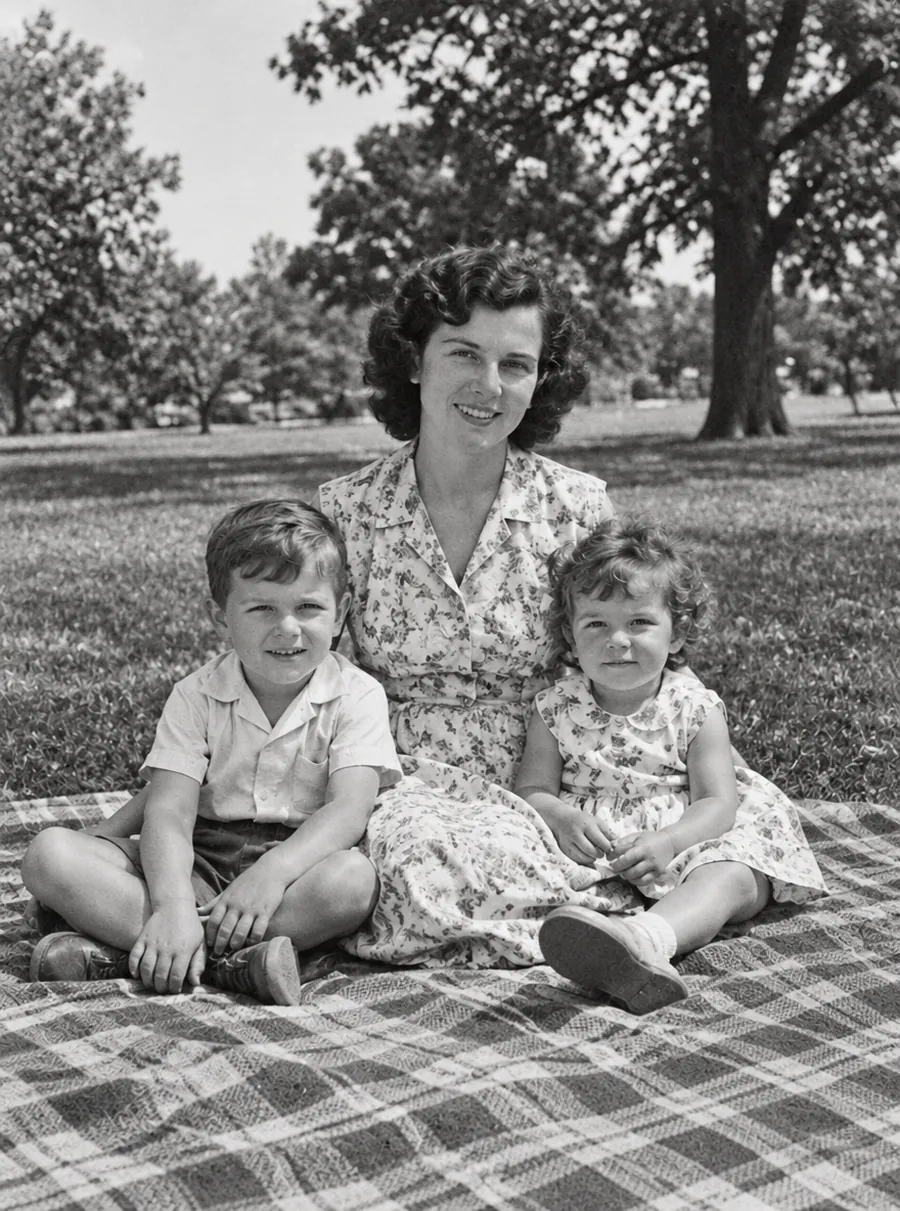
AI Photo Restoration for Old and Damaged Pictures
Restore old photos online with AI. Repair scratches, tears, fading and blur on scanned prints, then add color if you like. Free daily edits included.
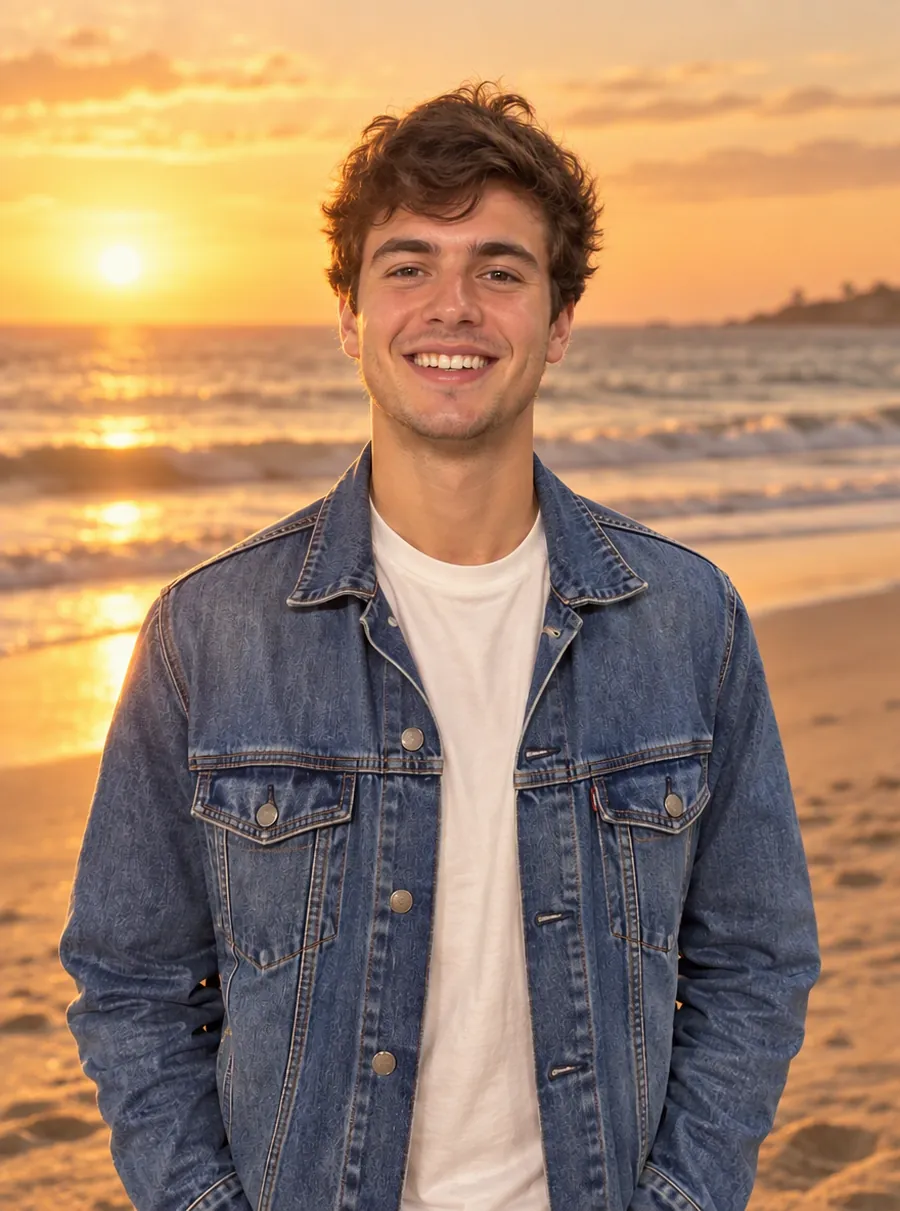
AI Photo Editor
Upload a photo and type what to change. Remove objects, swap backgrounds, fix blur and restore old photos with an AI image editor online. Free daily edits.
Make your small photos big enough
Upload a picture, choose a target size, and download a version ready for a bigger screen or the printer.