
Prompt a scene · Or pick a plain color
Change a Photo's Background by Describing the Scene
This AI background changer replaces what's behind your subject with whatever you describe: a white studio, a beach at sunset, a modern office. Type the scene in plain English and the AI generates it around the person or product you uploaded.
- Any scene you can describe
- No watermark
- Commercial use
1 credit per 1K edit · Free credits refresh every 24 hours
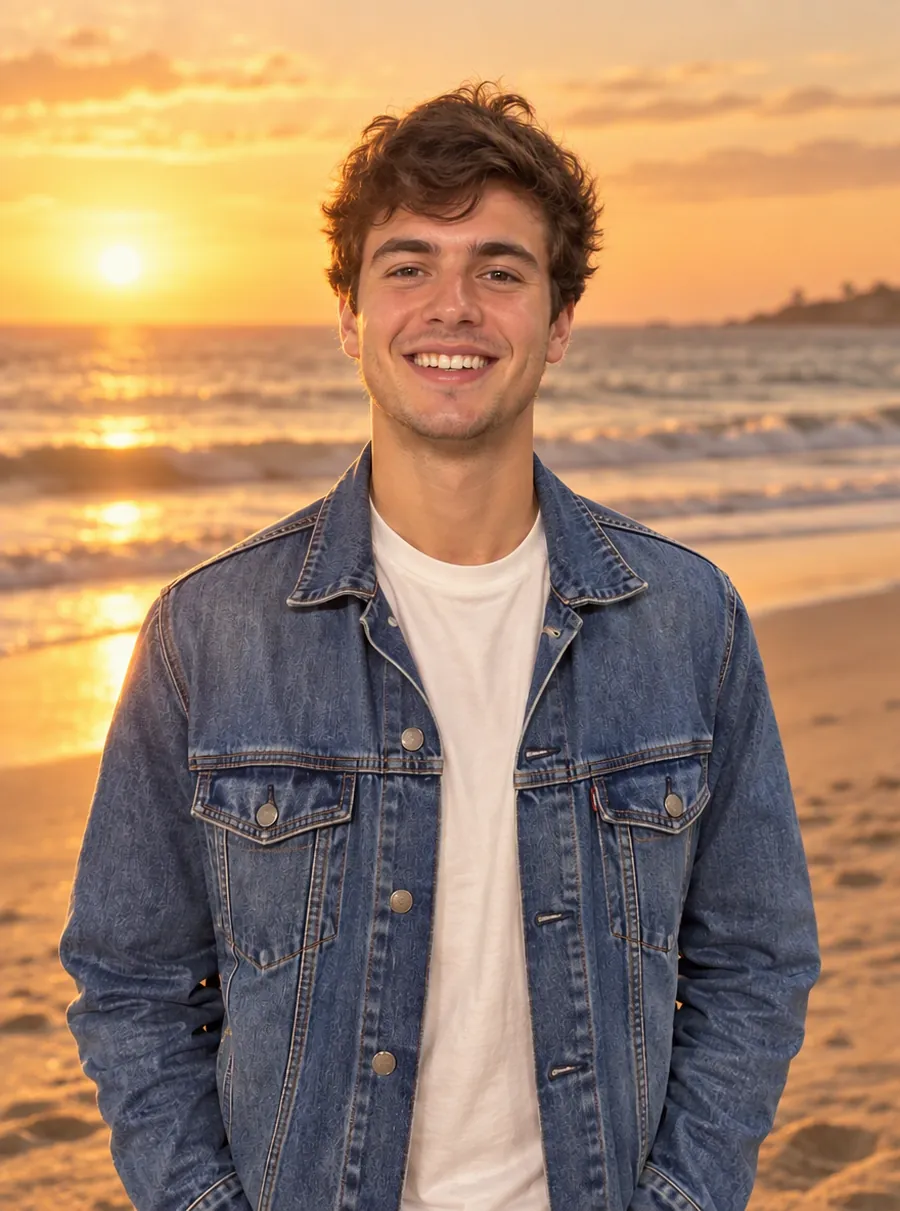
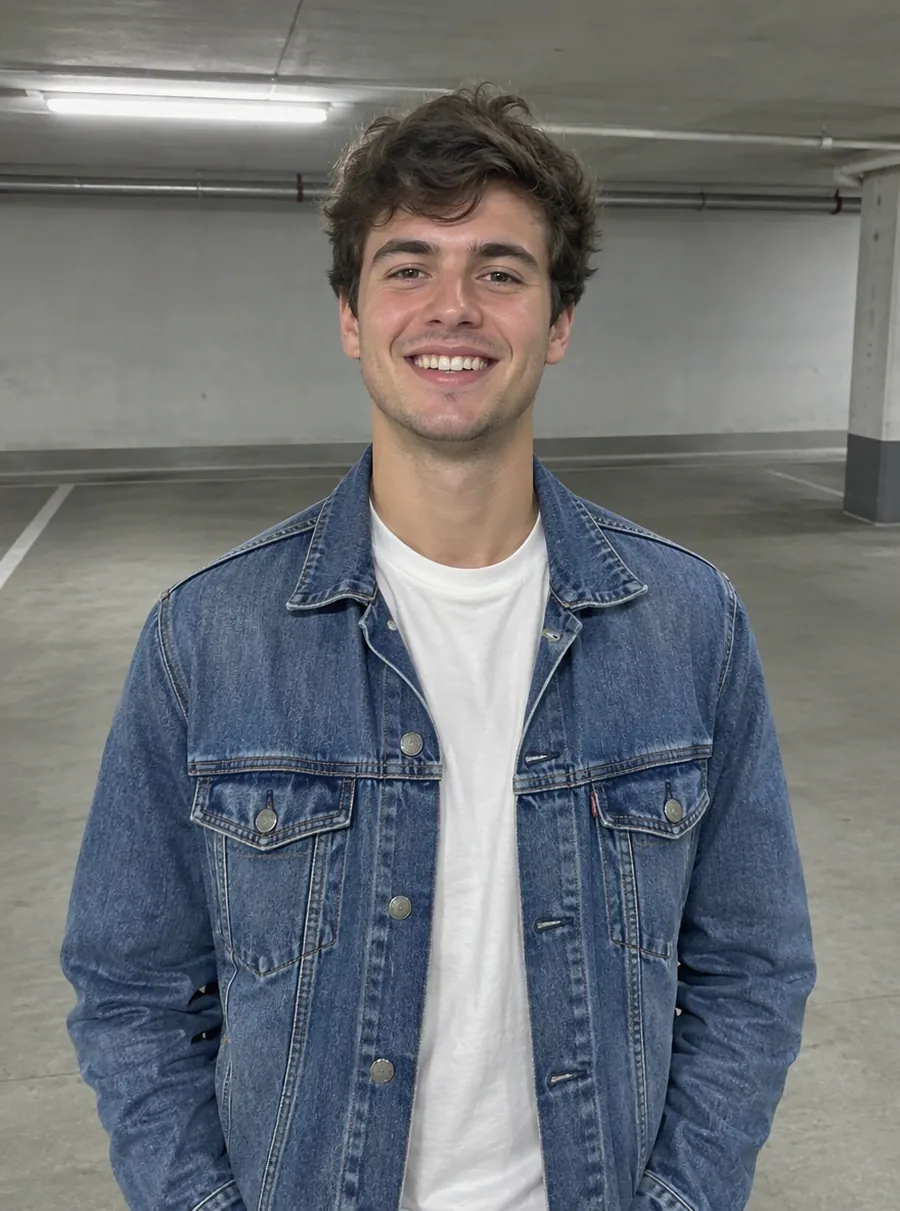
Prompt: “Change the background to a sandy beach at sunset”
How to change a photo background
1. Upload a clear photo
JPG, PNG and WebP files work, up to 20 MB without a paid plan, and you can paste a copied image with Ctrl+V. To change photo background scenes convincingly, pick a shot where the subject is sharp and well lit. The new scene is generated around it, so a crisp subject gives the AI more to work with.
2. Write the scene in one sentence
Say where the subject is, what the light is like, and how busy the background should be. "A modern office with large windows, slightly out of focus" is plenty. You don't need to cut anything out first; the edit works on the whole picture.
3. Compare, adjust, download
Look at the result next to the original. If the light, angle or setting is off, press Edit again and change one detail in the prompt. A standard edit at 1K costs one credit, and free downloads carry no watermark.
Describe any scene, or pick a plain color
There are two ways to use this photo background changer, and they suit different jobs.
A generated scene
Here the tool acts as an AI background generator. Nothing is pulled from a stock library: the setting is created from your words, so "a quiet Lisbon street with yellow trams" or "a snowy cabin porch at dusk" is as easy to ask for as "beach". Treat it like a background maker you steer with adjectives.
Match the scene to the light already on your subject. A portrait taken under warm indoor lamps blends better into "a cozy cafe in the evening" than into "midday on a bright beach". If the subject was lit from the left, say so in the prompt.
A plain color
Sometimes the right ai background is no scene at all. To change background color, name it the way you'd say it to a friend: navy, sage green, warm beige, off-white. Plain fills suit catalog sets, team pages, and any layout where text will sit next to the image.
Want to change background in photo sets so they match? Run the same color prompt on every picture. A row of products or faces on one shared backdrop looks planned, even if each photo was taken in a different room.
White and plain backgrounds for product photos and profiles
Product photos
Many online stores prefer main images on white or a very light neutral, and a white background photo is the safest choice when you sell in more than one place. Ask for "bright white backdrop, light contact shadow beneath the item" so it doesn't look like it is floating. Before you list it, check that the label, color and shape still match the real thing you are selling.
Profile and team pictures
For LinkedIn, a company About page or a speaker bio, a calm backdrop keeps attention on the face. "Soft gray backdrop", "light blue studio wall" or "bright office, blurred" all work. When the whole team uses the same prompt, the page reads as one set. For a fully redone work portrait with new framing and lighting, the headshot generator goes further than a background swap.
Prompt ideas for backgrounds
Copy one, then swap in details that fit your photo.
| Prompt | What it does |
|---|---|
| Replace the background with a clean white studio | A plain white backdrop for products or profiles |
| Put the person on a beach at sunset, warm golden light | A relaxed travel or vacation look |
| Modern office with glass walls and plants, softly blurred | A professional setting for work profiles |
| Change the background to a solid navy blue | A flat color that suits text placed beside it |
| Rustic wooden table in a farmhouse kitchen, morning light | A lifestyle scene for food or handmade goods |
| Rooftop garden at dusk with city lights in the distance | An evening scene for social posts |
A few habits help. Name the place, the light and the time of day; those three decide most of the mood. Ask for "softly blurred" or "out of focus" when the subject should stand out. And keep one prompt per run: if the result needs fixing, edit the sentence rather than stacking a second request on top.
What stays and what changes
The AI aims to keep your subject as it was, including the face, clothing or product shape, while it rebuilds everything around it. Because the picture is regenerated, small details such as a logo, a hand or a strand of hair can shift. Compare before and after at full size before you post or sell with it.
If you only need the subject on its own, with nothing behind it, start with the remove background tool instead and download a transparent PNG. You can add a scene to that cutout later with Edit again.
Without paying, each result is 1K, meaning the longer edge is around 1,024 pixels, and you may use it in commercial work. Subscribers can export at 2K or 4K or switch on High quality; current prices are on the plans page.
FAQ
How to change the background of a picture?
Upload the picture, write one sentence about the new scene, and run it. A line such as "a rooftop terrace at dusk with city lights" is enough. The AI generates that setting around your subject. Compare the result with the original, adjust the wording if the light looks wrong, and download. A 1K edit costs one credit and carries no watermark.
How to change your background in a profile photo?
Upload a photo where your face is well lit, then ask for a calm setting: "soft gray backdrop" or "bright office with plants, slightly out of focus". Plain or blurred scenes keep attention on you rather than on the room. The AI aims to keep your face and clothes as they were, but look closely at the result before you post it.
How do you change your background without a reshoot?
Describe the place you wish you had photographed in. Instead of booking a studio or waiting for golden hour, upload the shot you already have and type "golden hour light in a wheat field" or "white cyclorama studio". If the first try misses, press Edit again and change one thing at a time: the place, the light, or the amount of blur.
Which photo editor can change background?
Desktop editors can, if you cut the subject out by hand and find a replacement image yourself. A prompt-based editor like this one skips both steps: one sentence produces the new scene, and a plain color takes a single word. For detailed layer-by-layer retouching, a desktop editor is still the right tool; for listings and posts, a prompt needs far fewer steps.
How to change background on Apple Watch?
That is a watch-face setting, not a photo edit: Apple lets you choose a photo face on the watch or in the Watch app on your iPhone. This page can prepare the picture first, for example putting your dog on a solid black background so it stands out on the dark screen. Save the result to your photos, then pick it as the face.
Can I make a photo background plain white?
Yes. Type "replace the background with plain white" and the AI fills the space behind your subject. It suits product listings, catalogs and profile pictures. For a softer look, ask for off-white or light gray instead. Do not use edited photos for passports, visas or official IDs: many authorities reject pictures altered with software.
Related tools

Remove the Background from Any Photo
Remove the background from any image online. Get a clean cutout on a transparent background, then add a new scene with a prompt. Free daily edits.
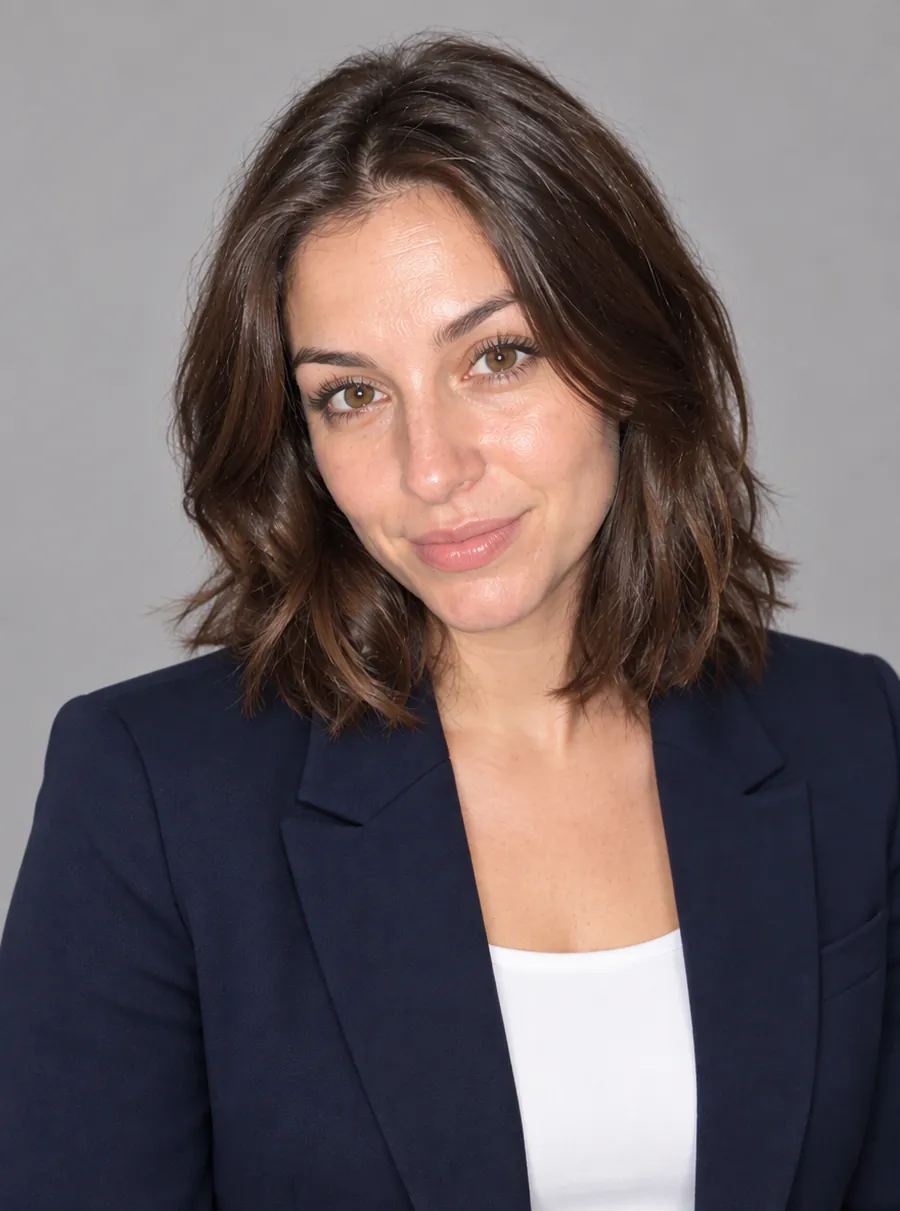
Turn a Selfie into a Professional Headshot
Turn a selfie into a professional headshot. Describe an outfit and a backdrop and AI restyles the photo around your features. For LinkedIn and resumes.
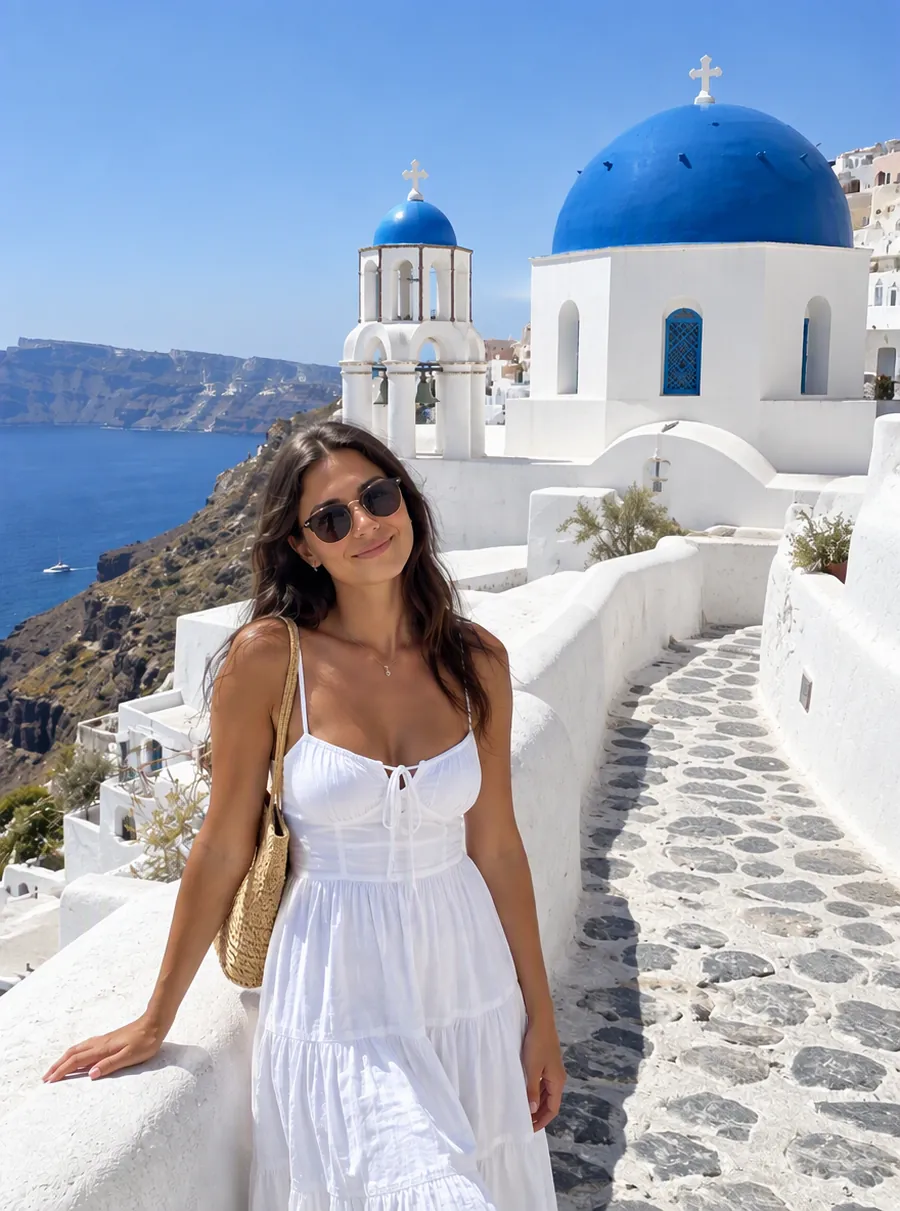
Remove Unwanted People from Your Photos
Remove people from photos online: photobombers, tourists or an ex. Tell the AI who to erase and it rebuilds the background behind them. Free daily.
AI Photo Editor
Upload a photo and type what to change. Remove objects, swap backgrounds, fix blur and restore old photos with an AI image editor online. Free daily edits.
Put your subject somewhere new
Upload a photo, describe the scene, and see it before you spend another minute on a reshoot.