
Unblur image free · No watermark
Make a Blurry Picture Clear Again
Unblur image files online by telling the AI what went wrong: motion blur, soft focus or camera shake. It rebuilds edges and fine detail, then you download the sharper version.
- Free daily credits
- No watermark
- Commercial use
No account needed
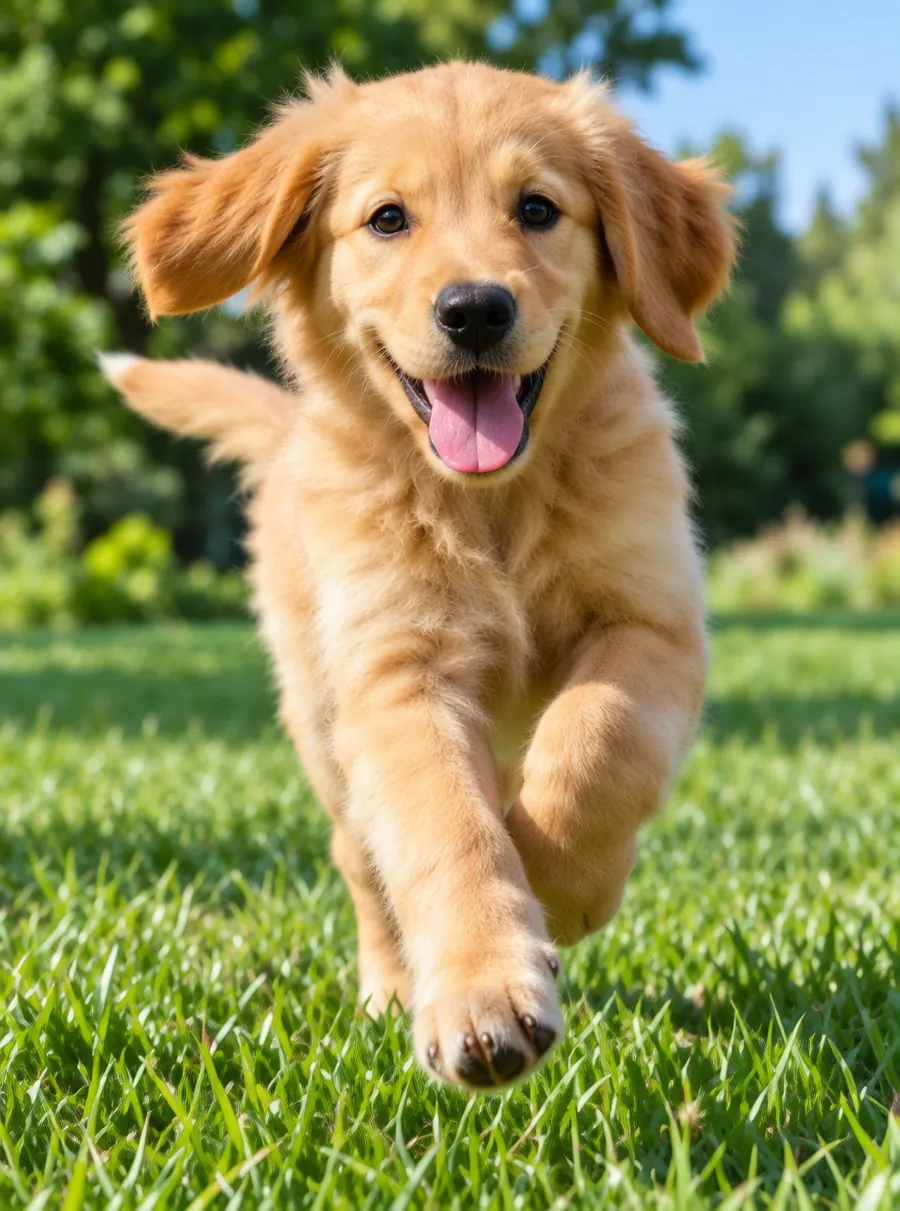
Prompt: “Unblur and sharpen this photo”
How to unblur an image
Upload the blurry photo
Drop the shot onto the upload box or paste it from your clipboard. Start from the original file when you can, not a screenshot or a copy saved out of a chat app, because every resave throws away a little more of the detail the AI needs.
Say what kind of blur it is
One short sentence is enough. Name the cause if you know it, such as "the camera moved" or "the focus landed on the background", and name anything that has to stay as it is: the colors, the expression on a face, the grain of an old print. Ready-made prompts are in the next section.
Compare, then download or go again
Look at the result at full size, not as a thumbnail. Eyes, hair, lettering and repeating patterns show problems first. If it is close but not quite right, press Edit again on the result and ask for a smaller change, like "a little less sharpening on the skin". When it looks right, download it.
Prompts that fix blurry photo problems
A good photo unblur prompt is short and does two jobs: it says what to fix, then what to leave alone. Copy any line below into the prompt box, then swap in the details of your own shot.
| Prompt | What it does |
|---|---|
| Fix the motion blur, keep colors the same | Pulls smeared edges back into clean lines without shifting the color balance |
| Remove the camera shake from this night shot | Targets the doubled outlines a slow shutter leaves behind in dim light |
| Bring the face into focus, keep the expression natural | Works on eyes, lashes and lips and asks the AI not to reshape them |
| Sharpen the product, leave the background soft | Restores the main subject and keeps the shallow-focus look behind it |
| Make the text edges crisper, do not change any letters | Cleans up soft lettering on a sign or page; read every word afterward |
| Reduce the blur a little and keep the film grain | A lighter pass for scanned or analog photos that should not look digital |
Motion blur, out of focus or just soft
Blurry pictures are not all blurry in the same way, and the AI does a better job when the prompt names the right problem. Three patterns cover most of what people upload.
Motion blur and camera shake
When the subject moved, its edges smear in one direction while the rest of the frame stays crisp. When the camera moved, everything streaks the same way and bright lights turn into short lines or doubles. Both happen most in low light, because the shutter stays open longer. Write "motion blur" or "camera shake" so the AI knows which way to rebuild.
Out of focus
Nothing is streaked here; the subject is simply soft, usually because autofocus locked onto the wrong thing, like a fence instead of the dog behind it. Tell the AI which subject should be sharp. Leave the rest out of the prompt if you want to keep the natural depth of the shot.
Soft all over
Small, heavily compressed or many-times-forwarded files look fuzzy because detail was discarded, not because of the lens. A sharpen image request helps a little, but these files often need the enhancer or the upscaler as well, which the next section explains.
Why not just drag a sharpening slider? A classic image sharpener only raises contrast along edges it can already find, which is why strong settings leave bright halos and crunchy noise. An AI unblur goes further: it predicts what the edge most likely looked like and draws it again. That is more useful on a blurry image, and also the reason the limits further down matter.
Unblur vs upscale vs enhance
AI Image Edit has three tools that sound alike, and each answers a different question. Unblurring asks why the picture is not sharp, then repairs motion blur, soft focus and camera shake. Enhancing asks why the picture looks poor overall, then works on detail, color, noise and dark exposure together. Upscaling asks whether the picture is big enough, then adds pixels so it holds up at 1080p, 2K or 4K.
| What is wrong with the photo | Tool to start with |
|---|---|
| Streaks, double edges, a soft subject | Unblur, on this page |
| Flat color, grain, a dark or muddy shot | Photo enhancer |
| Sharp but too small for a print, screen or listing | Image upscaler |
If a shot looks dull and grainy rather than smeared, the photo enhancer is a better first step. If it is already crisp but tiny, the image upscaler lets you pick a bigger target size. When one picture has both problems, remove the blur first and enlarge it afterward; scaling up a soft photo only gives you a larger soft photo.
What AI unblurring cannot recover
It helps to know what is really happening. A blurry image has lost information, and the AI does not find that missing detail hidden somewhere in the file. It invents detail that fits what it can see. Most of the time the result reads as a clean, believable photo. Sometimes it is confidently wrong.
- Invented texture. Skin, fabric, grass and brickwork can come back with pores, threads or blades that were never there. Harmless on a social post, misleading anywhere facts matter.
- Faces. On a small, smeared face the AI aims to keep the person's features, but it can sharpen them into someone who looks slightly different. Check the result before you share it.
- Text and numbers. If a license plate, label or receipt is unreadable in the original, the result may show crisp letters that are simply wrong.
- Heavy blur. When the subject is a long streak across the frame, too little is left to rebuild from. Expect an improvement, not a rescue.
Never treat an unblurred picture as evidence. It is a reconstruction, not a recording, so it should not be used to identify a person, read a plate or prove what a document said. Keep the original next to any edited copy.
What an unblur costs
Each image unblur runs as a standard edit, which uses 1 credit at 1K, the size free results come out at. Visitors can do three a day without signing up, and a free account gets five; the allowance resets 24 hours after you claim it and does not build up if you skip a day. Results carry no watermark, and you may use them commercially. A failed edit returns its credit on its own.
Paid plans open up 2K and 4K output plus a High quality mode for stubborn photos. A 2K edit uses 2 credits and High quality at 1K uses 4. Every plan and credit pack, with prices, sits on the pricing page.
People unblur photos of kids at birthday parties, pets that would not sit still, concert shots, product photos taken in a hurry and old prints scanned on a phone. The method is the same for all of them: name the blur, name what to keep, check the result.
FAQ
How to unblur an image?
Upload the photo, write one sentence that names the blur and what to keep, then compare and download. "Fix the motion blur, keep colors the same" is a good default. If one area still looks soft afterward, run Edit again on the result and ask only about that area. It all happens in your browser, with nothing to install.
How to unblur a photo?
Most phone photos go soft because the hand moved while the shutter was open, so start with "remove the camera shake". If one person in a group is blurred while everyone else is fine, that person moved. Point the AI at them by position, for example "fix the motion blur on the man on the left".
How to make a picture less blurry?
Ask for a modest change. Prompts like "reduce the blur a little" or "slightly sharper, keep it natural" give a gentler result than "make it sharp", and they are less likely to add fake texture. That is the safer choice for portraits, wedding photos and old prints that should still look like photographs.
How to unblur a picture?
Pictures of screens, whiteboards, menus and paperwork need extra care. Ask the AI to make the text edges crisper without changing any letters, then read the result word by word against the original. If a word was unreadable before, treat whatever appears there now as a guess rather than the real text.
How to make a blurry picture clear?
Work in small steps instead of one big request. Remove the blur first and check it. Then use Edit again for whatever is still off, such as noise or a yellow cast, and enlarge the picture last if it needs to be bigger. A badly smeared shot will improve, but it may never become fully clear.
How to fix blurry pictures?
Pick the clearest frame you have; a slightly soft photo gives the AI far more to work with than a badly smeared one. Name the cause in your prompt. For next time, more light, a steadier grip and tapping the screen on your subject before shooting prevent most blurry pictures in the first place.
Does it cost anything to unblur an image?
Not for a few photos a day. A standard unblur at 1K uses 1 credit, and the daily free credits cover three of those as a guest or five with a free account, with no watermark. You only pay for 2K or 4K output, High quality mode, or more credits than the free allowance gives you.
Can an unblurred photo be used as evidence?
No. The AI fills in detail it predicts, so faces, plates and handwriting in the result can look sharper than the original without being accurate. Use unblurred photos for sharing, printing and keeping memories, not to identify anyone or prove what happened. Hold on to the untouched original if the picture might matter later.
Related tools
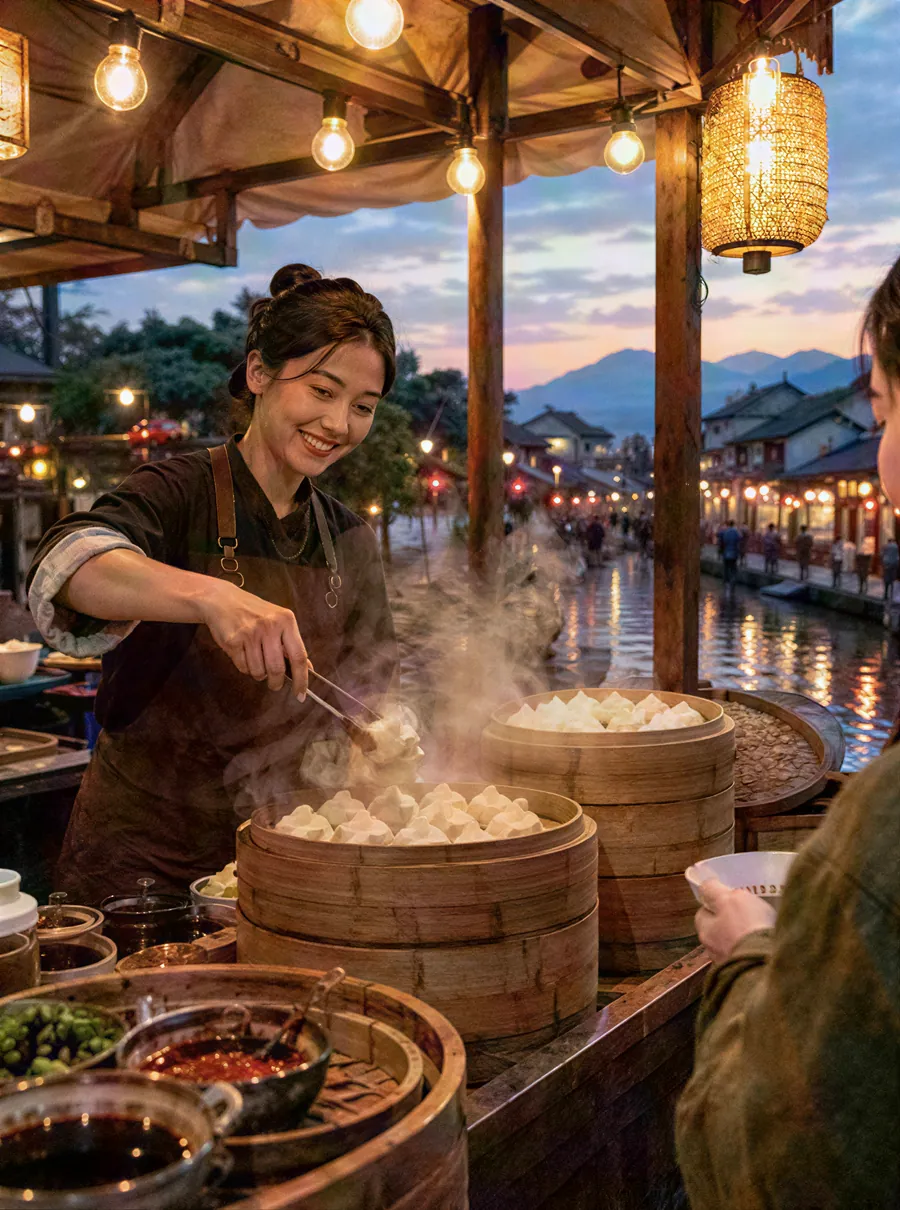
Enhance Photo Quality with AI
Enhance photo quality online. Fix dull color, noise, soft detail and low light in one pass, then download a cleaner version of your picture. Free daily.
Upscale Photos to a Higher Resolution
Upscale images online with AI. Enlarge small photos to 2K or 4K and keep edges crisp instead of blocky. Upload, pick a size, download. Free daily edits.
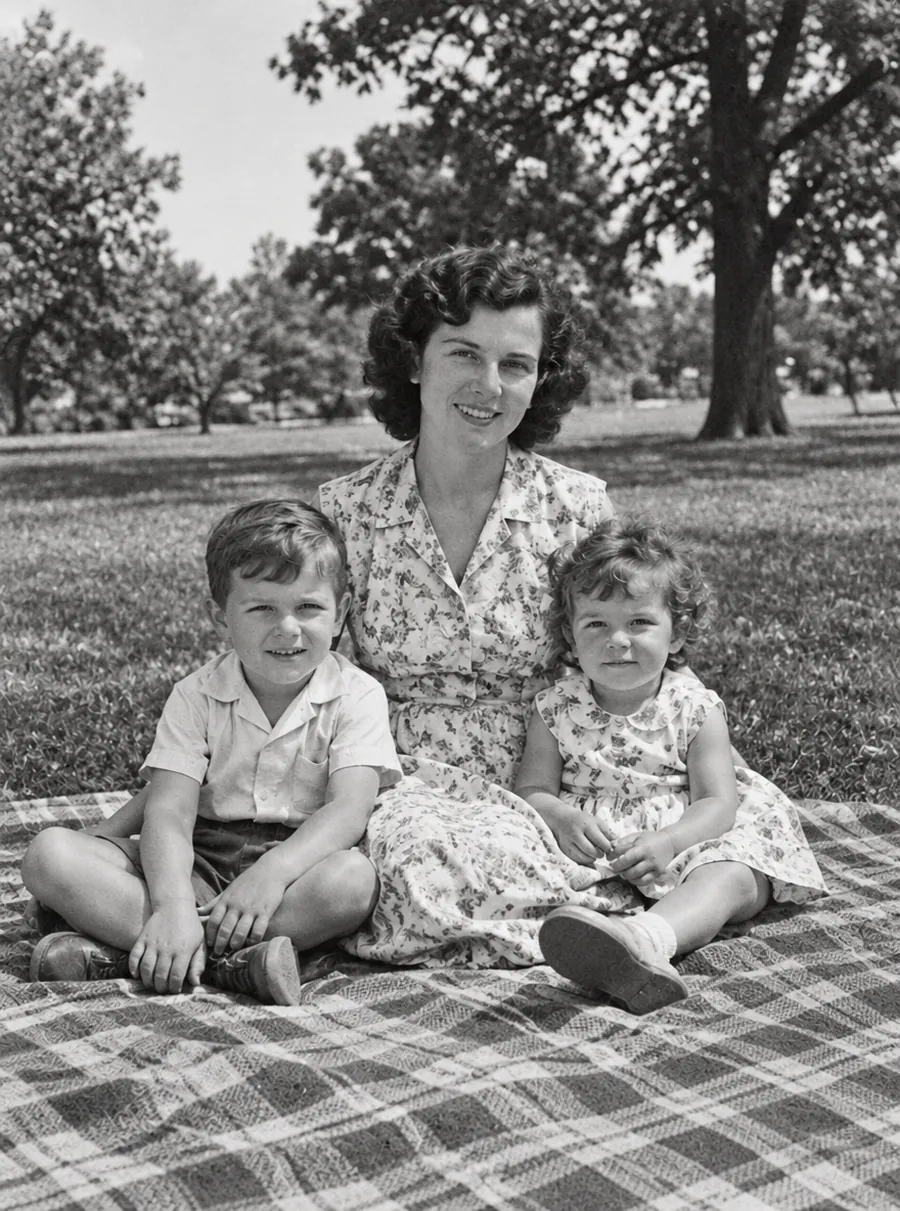
AI Photo Restoration for Old and Damaged Pictures
Restore old photos online with AI. Repair scratches, tears, fading and blur on scanned prints, then add color if you like. Free daily edits included.
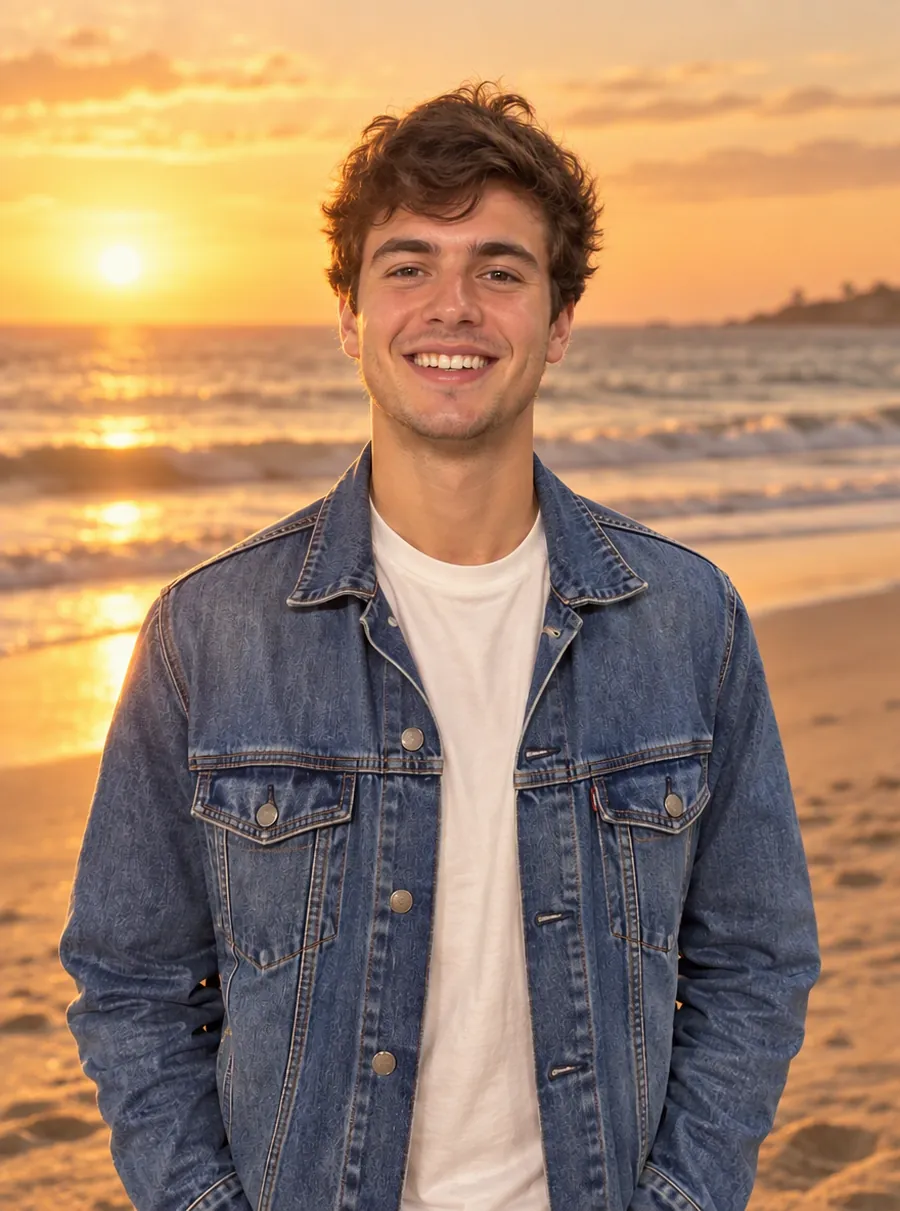
AI Photo Editor
Upload a photo and type what to change. Remove objects, swap backgrounds, fix blur and restore old photos with an AI image editor online. Free daily edits.
Give that blurry shot another chance
Upload it, describe the blur in a sentence, and see how much detail comes back.