
Free daily · No watermark · No sign-up
AI Photo Editor: Describe the Change, Get the Edit
AI Image Edit is an AI image editor you steer with words. Upload a photo, type the change you want in plain English, and download the result, or feed it back in for another round.
Featured tools
Every card is a real result. Hover to see the photo it started from.

 Remove BackgroundShowing the original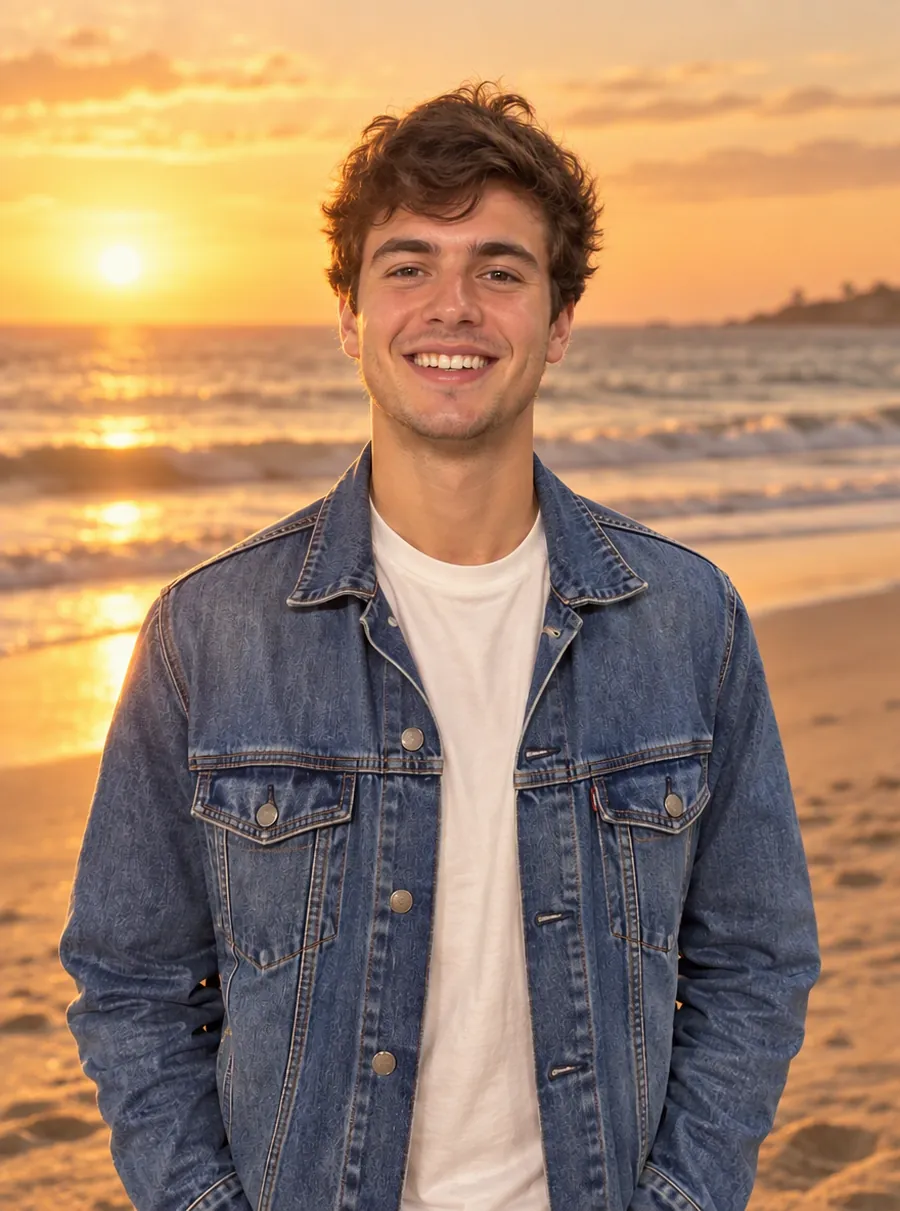
 Change BackgroundShowing the original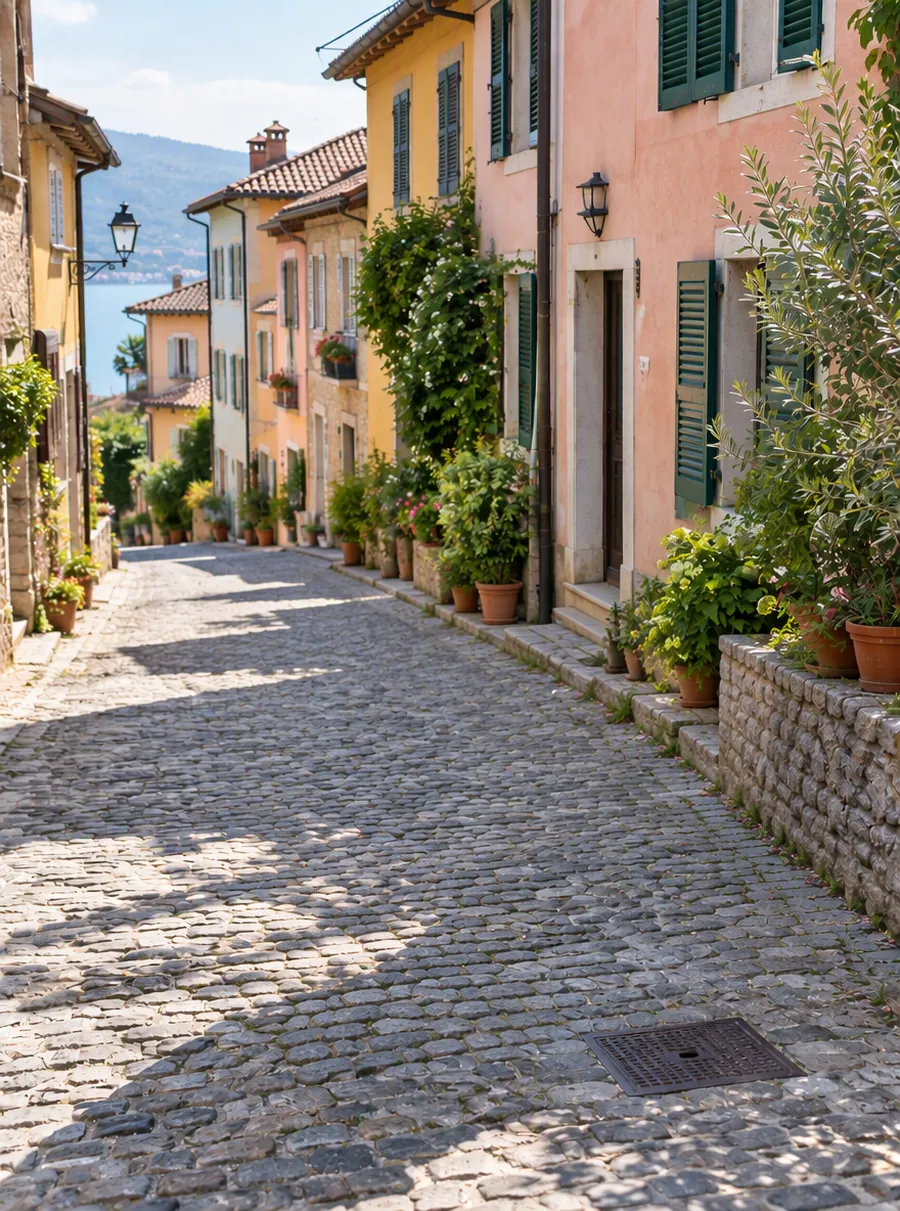
 Remove Object from PhotoShowing the original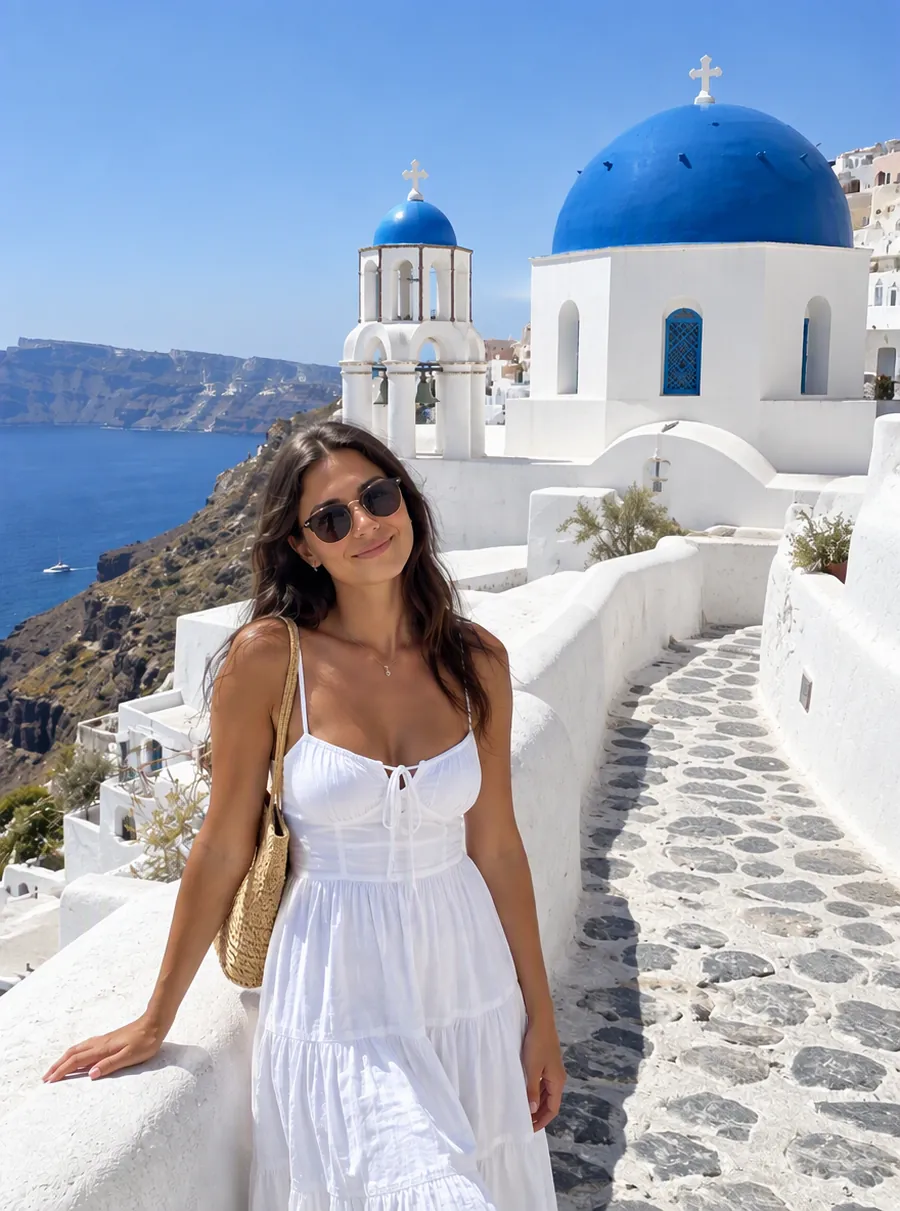
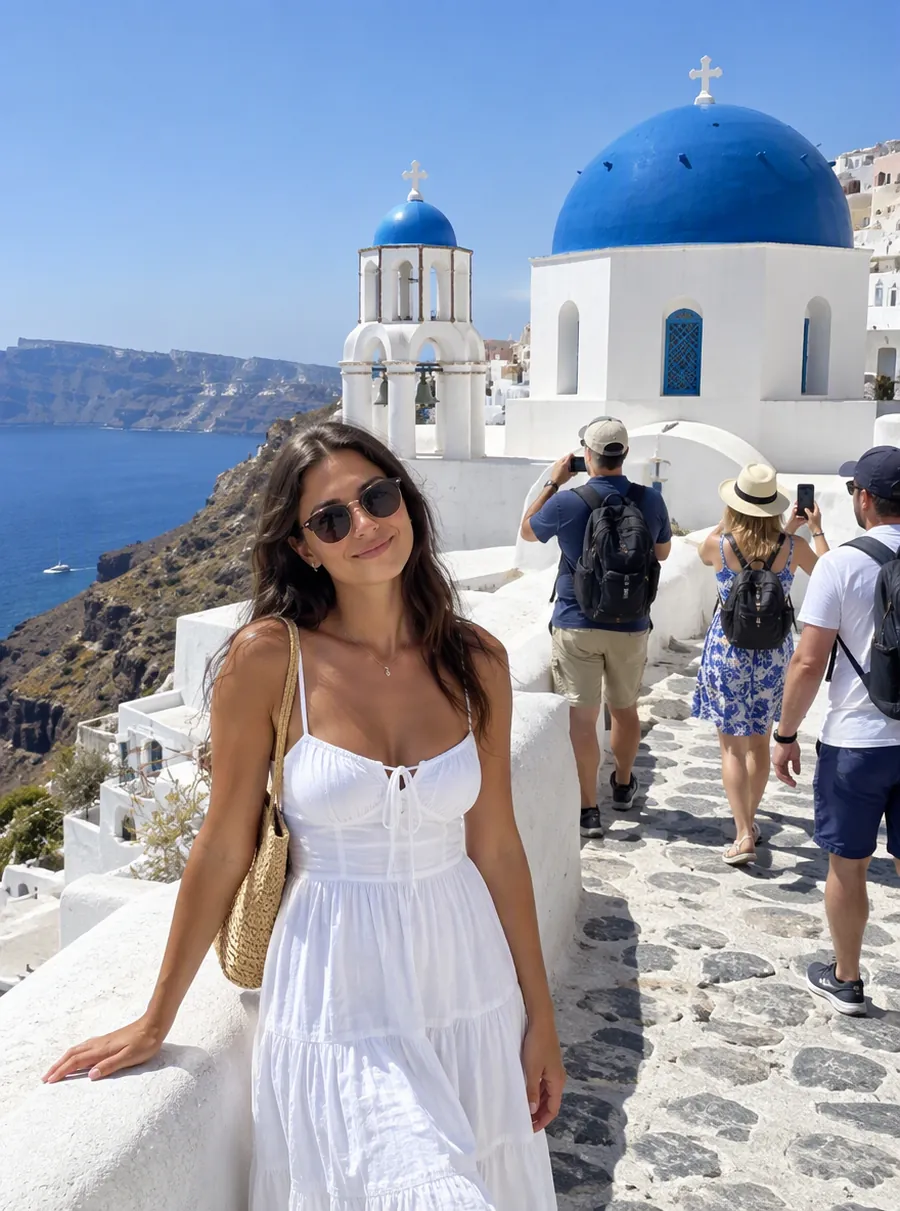 Remove Person from PhotoShowing the original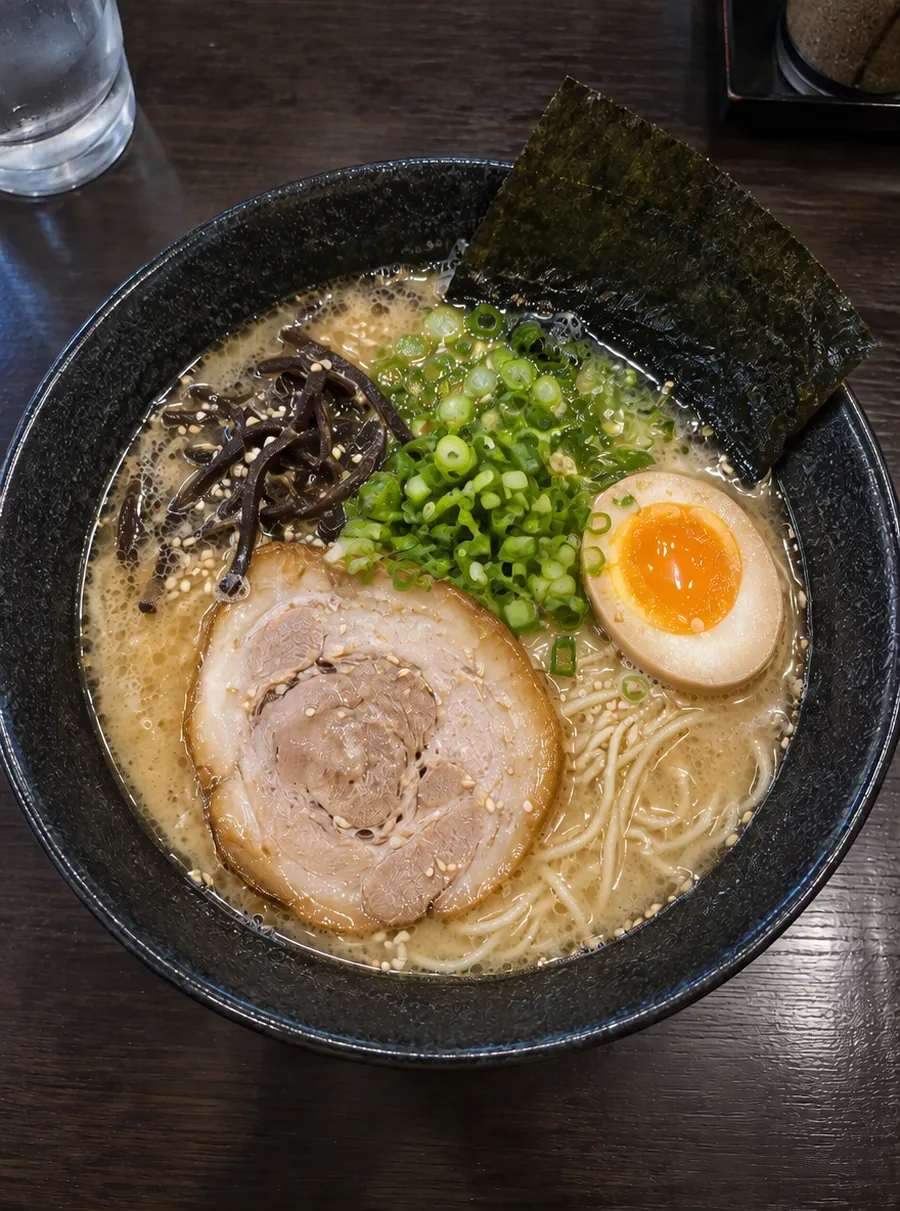
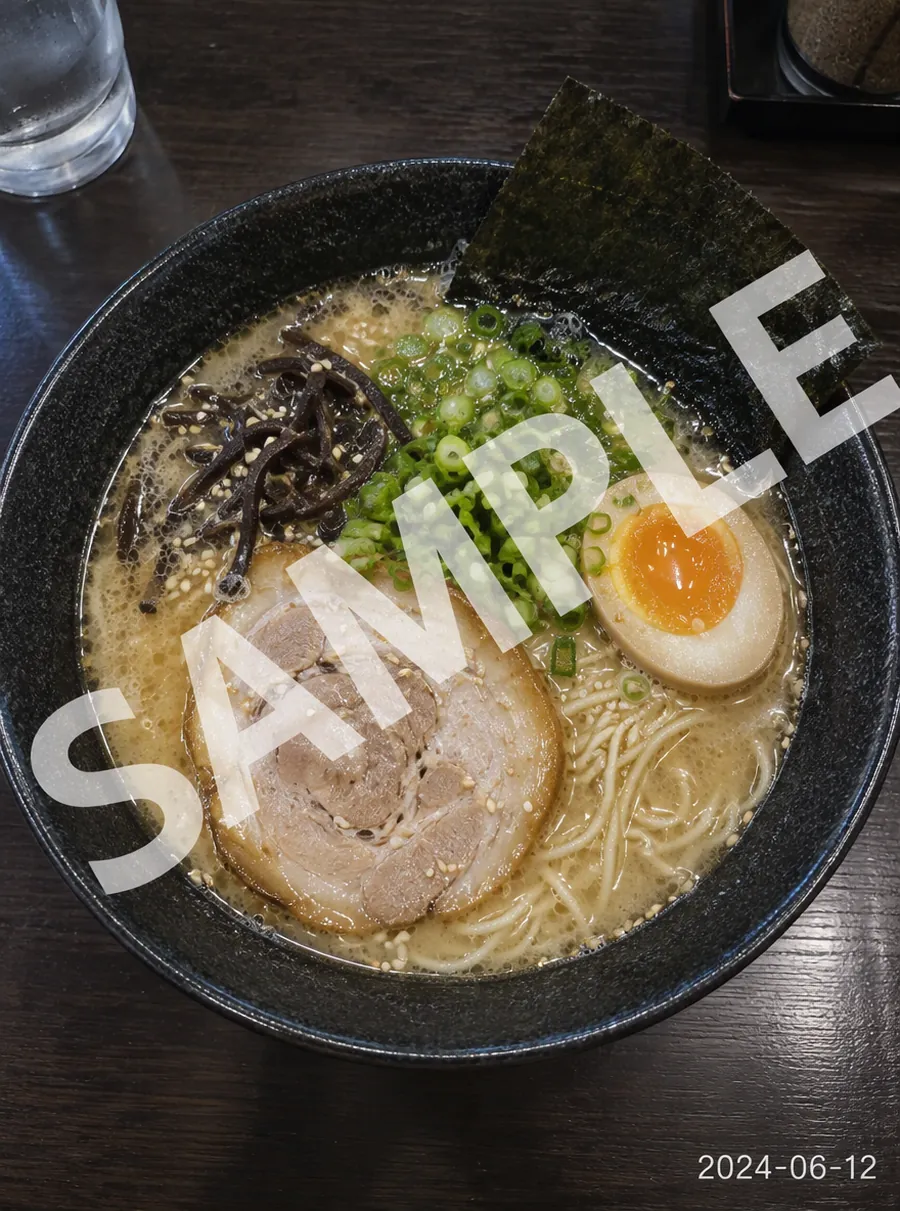 Remove Text from ImageShowing the original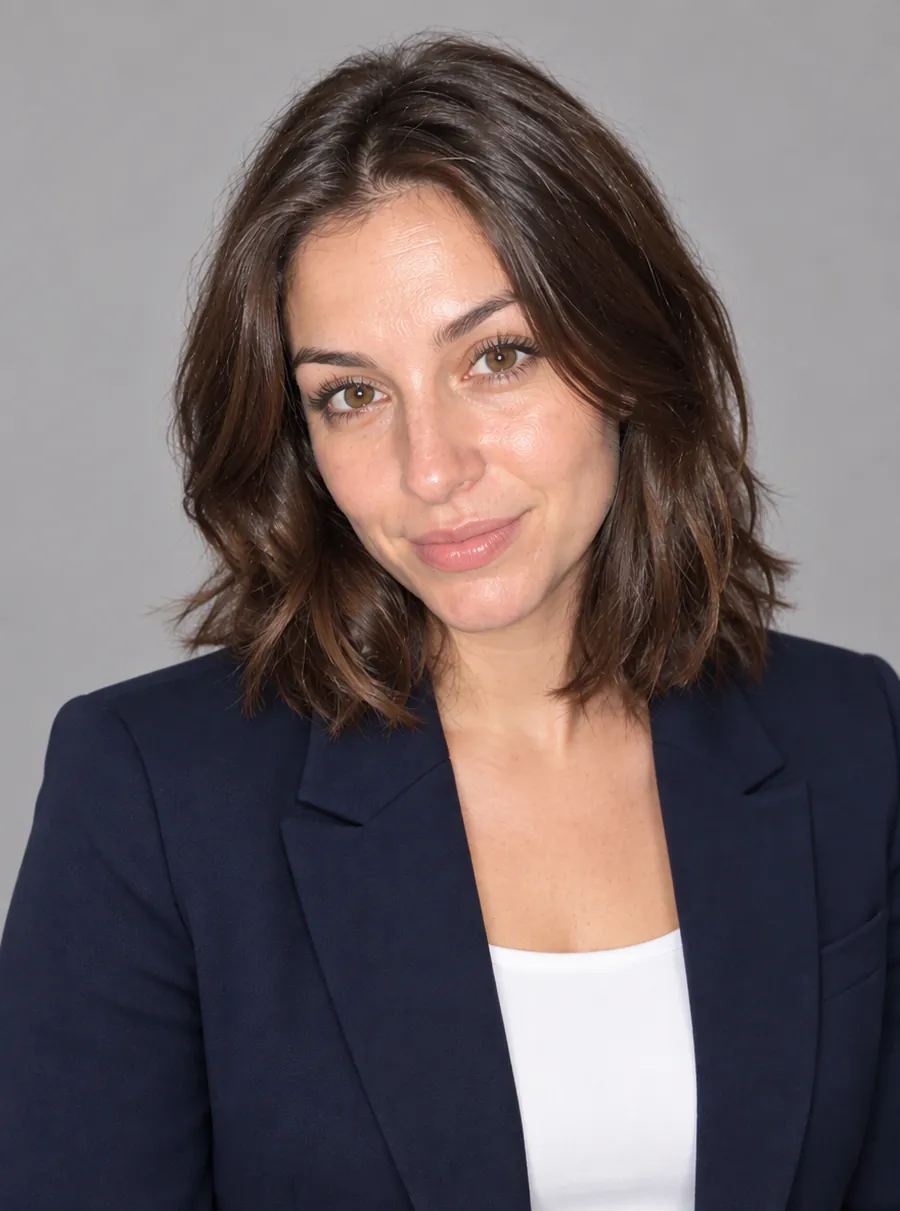
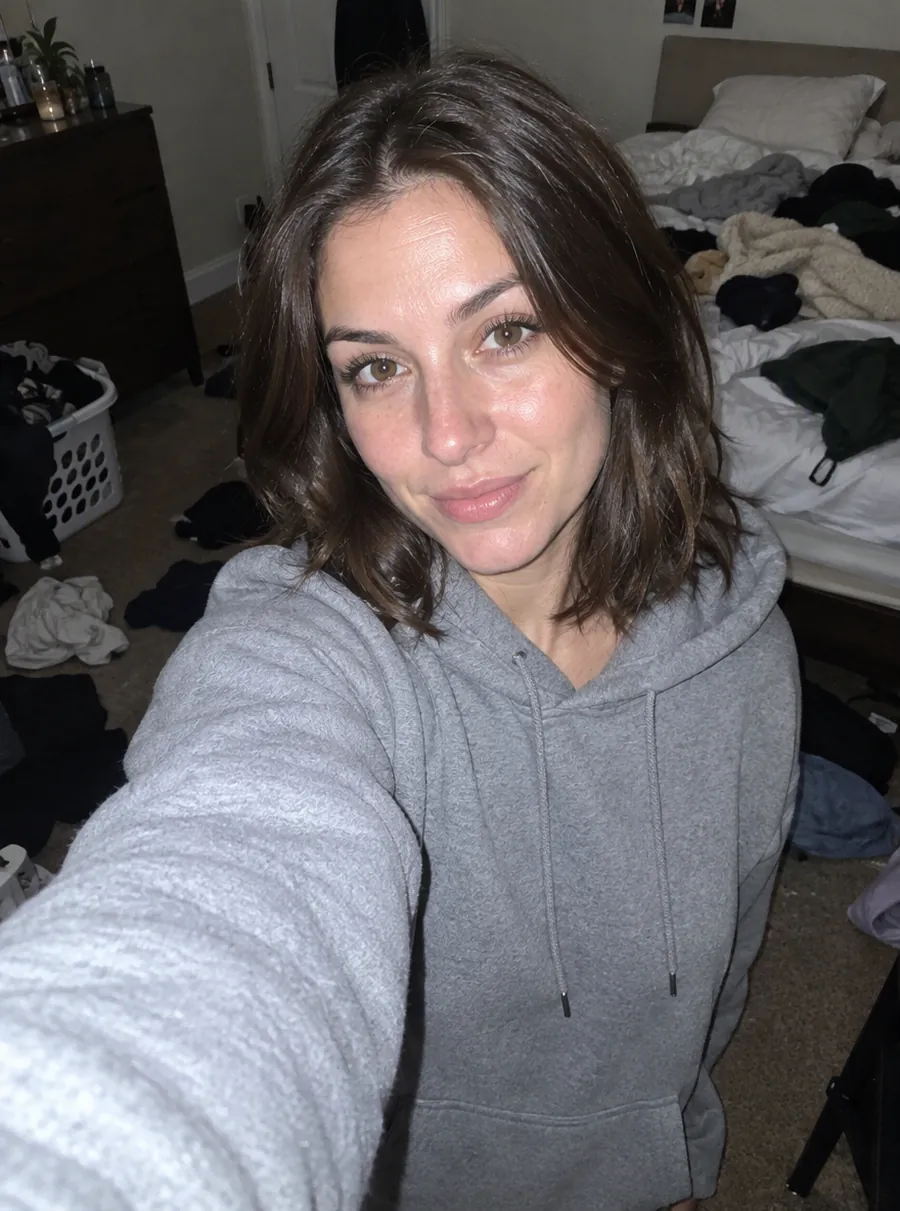 AI Headshot GeneratorShowing the original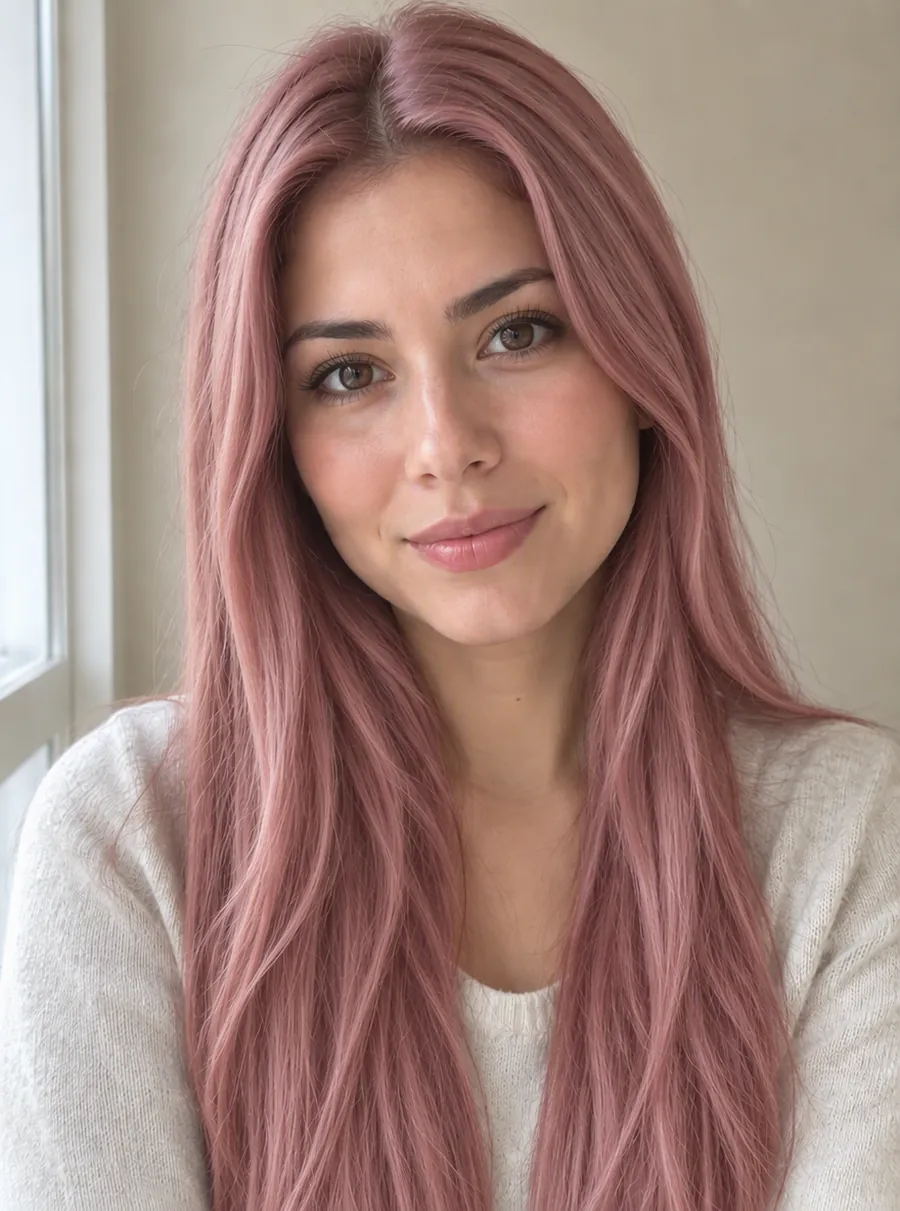
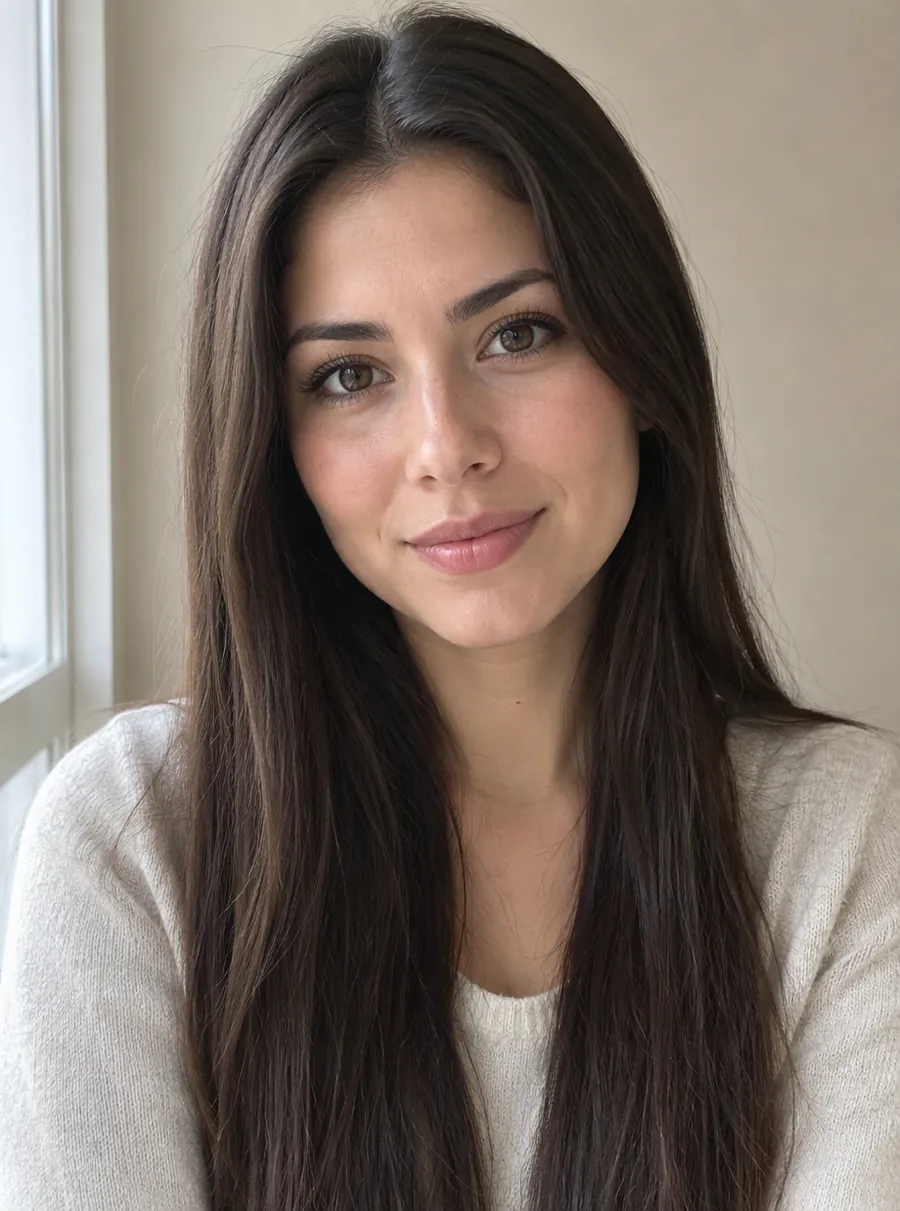 Change Hair ColorShowing the original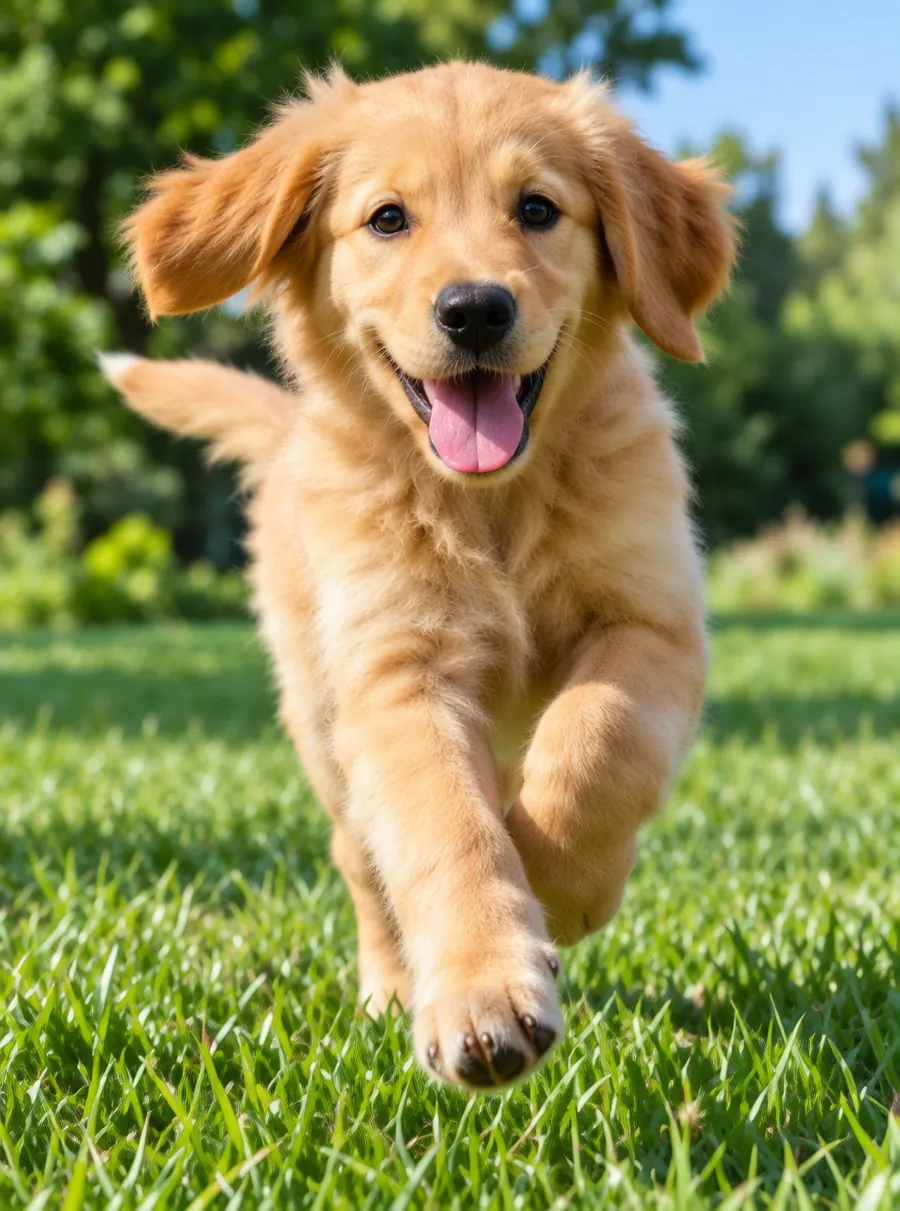
 Unblur ImageShowing the original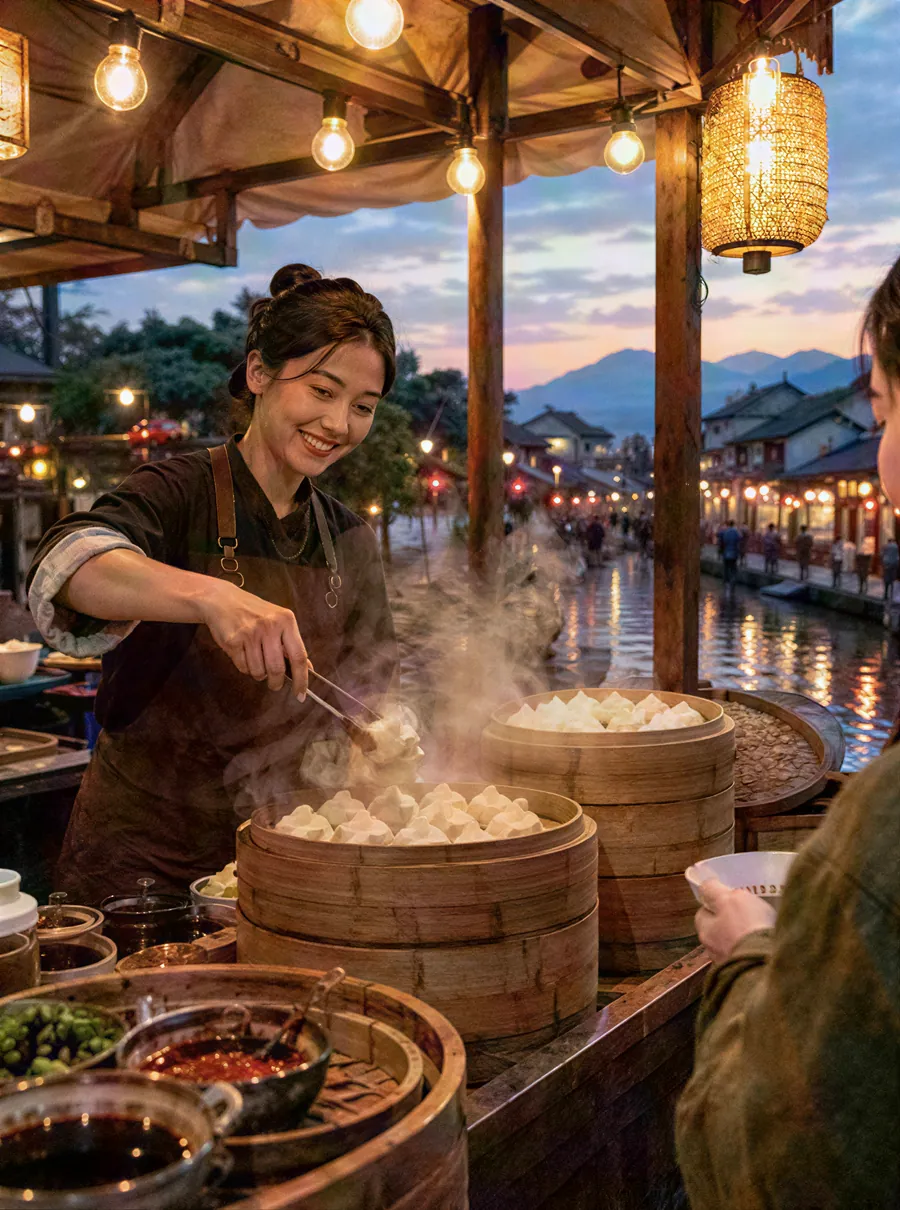
 Photo EnhancerShowing the original
 Image UpscalerShowing the original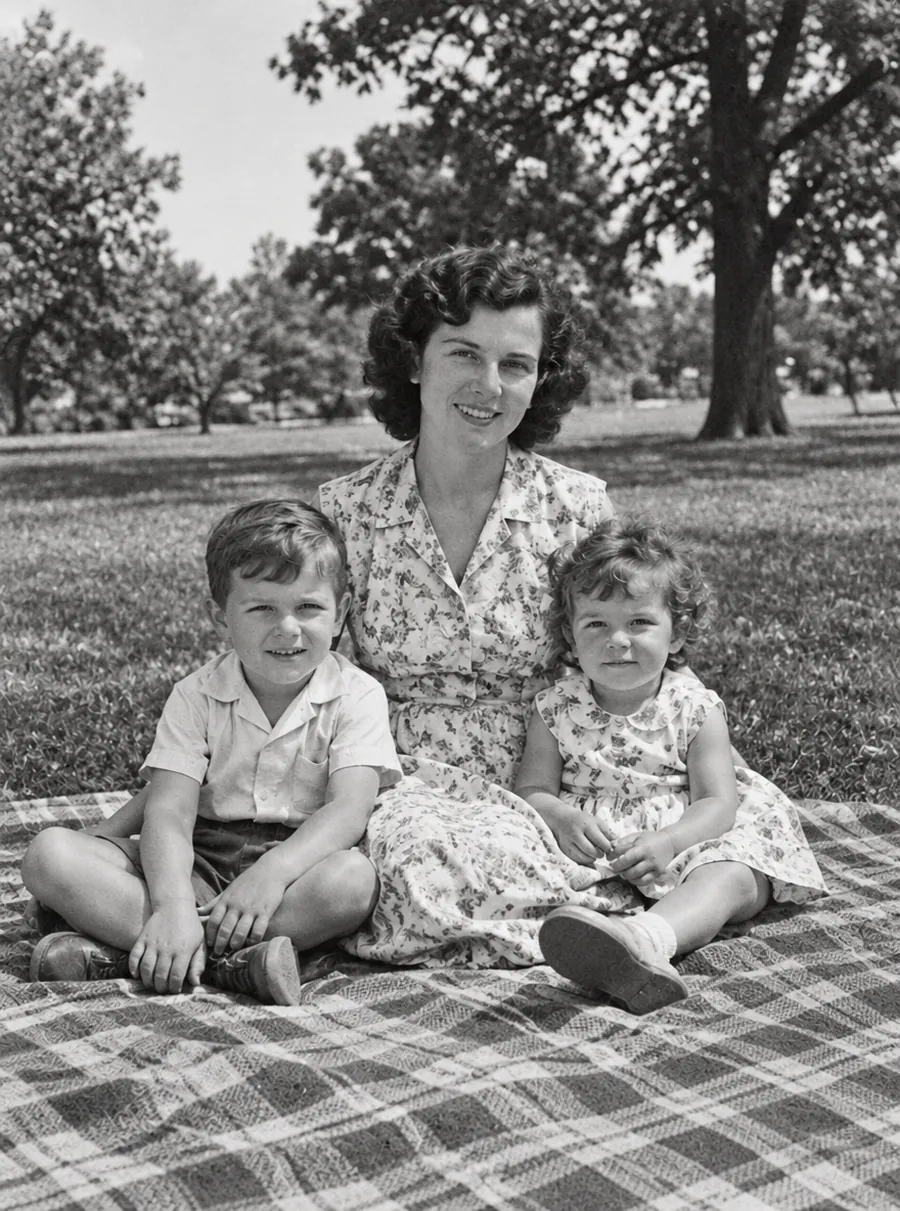
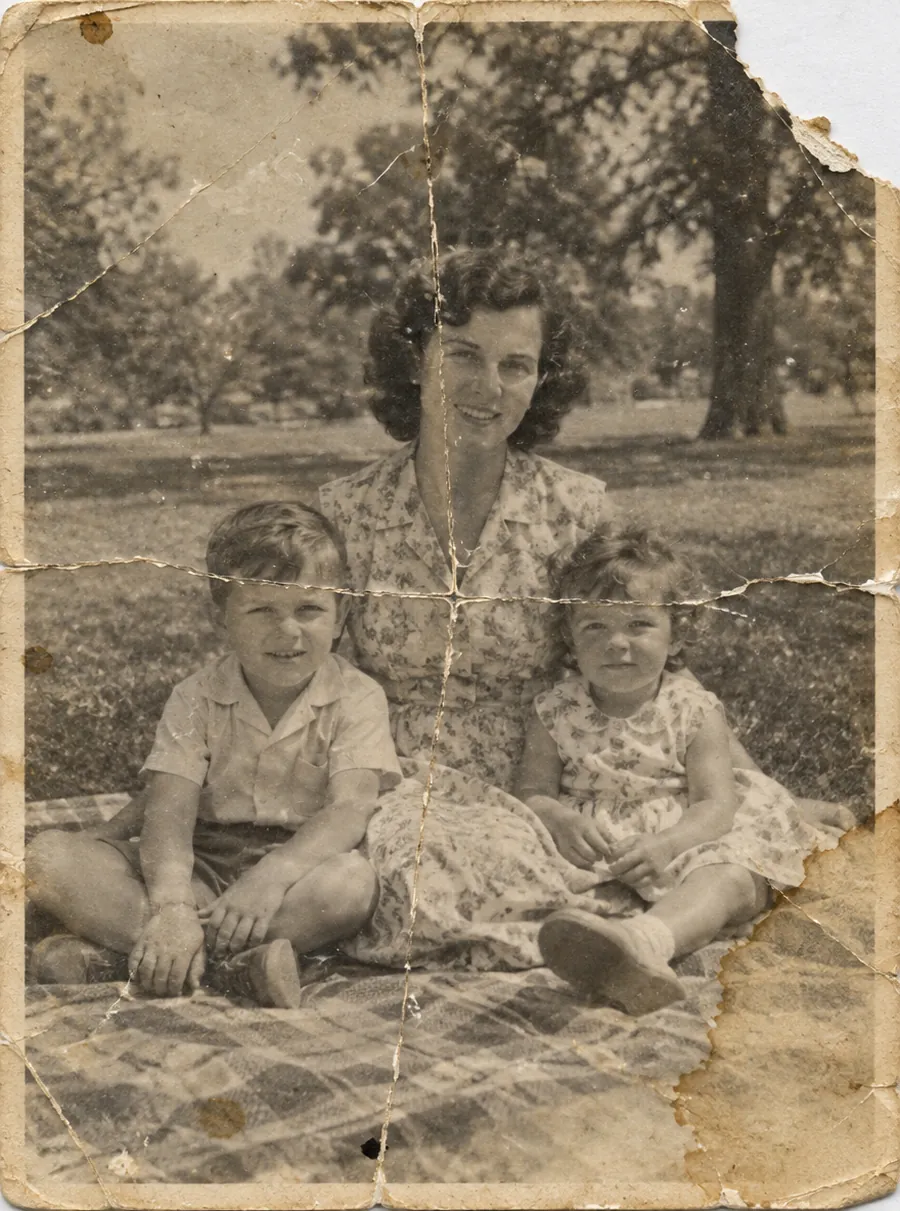 Photo RestorationShowing the original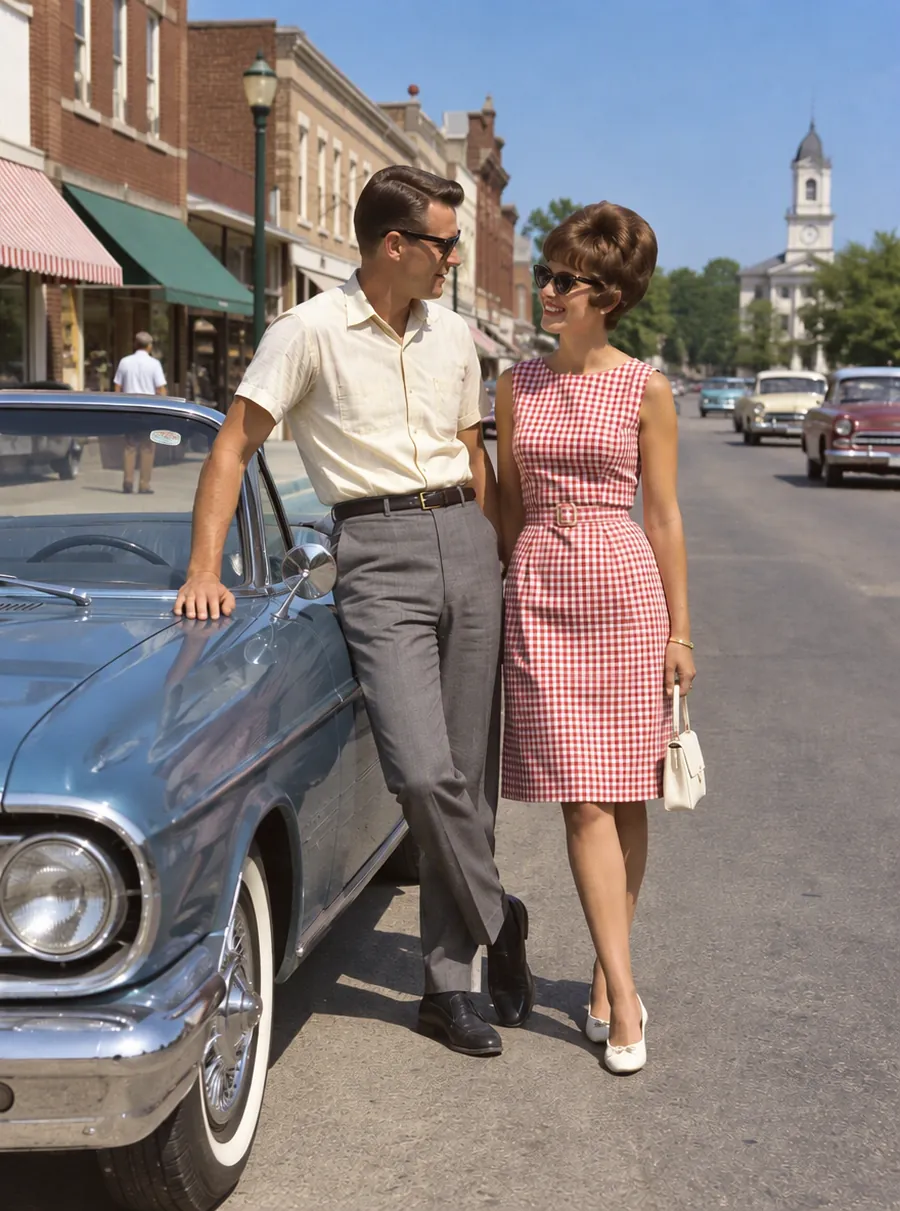
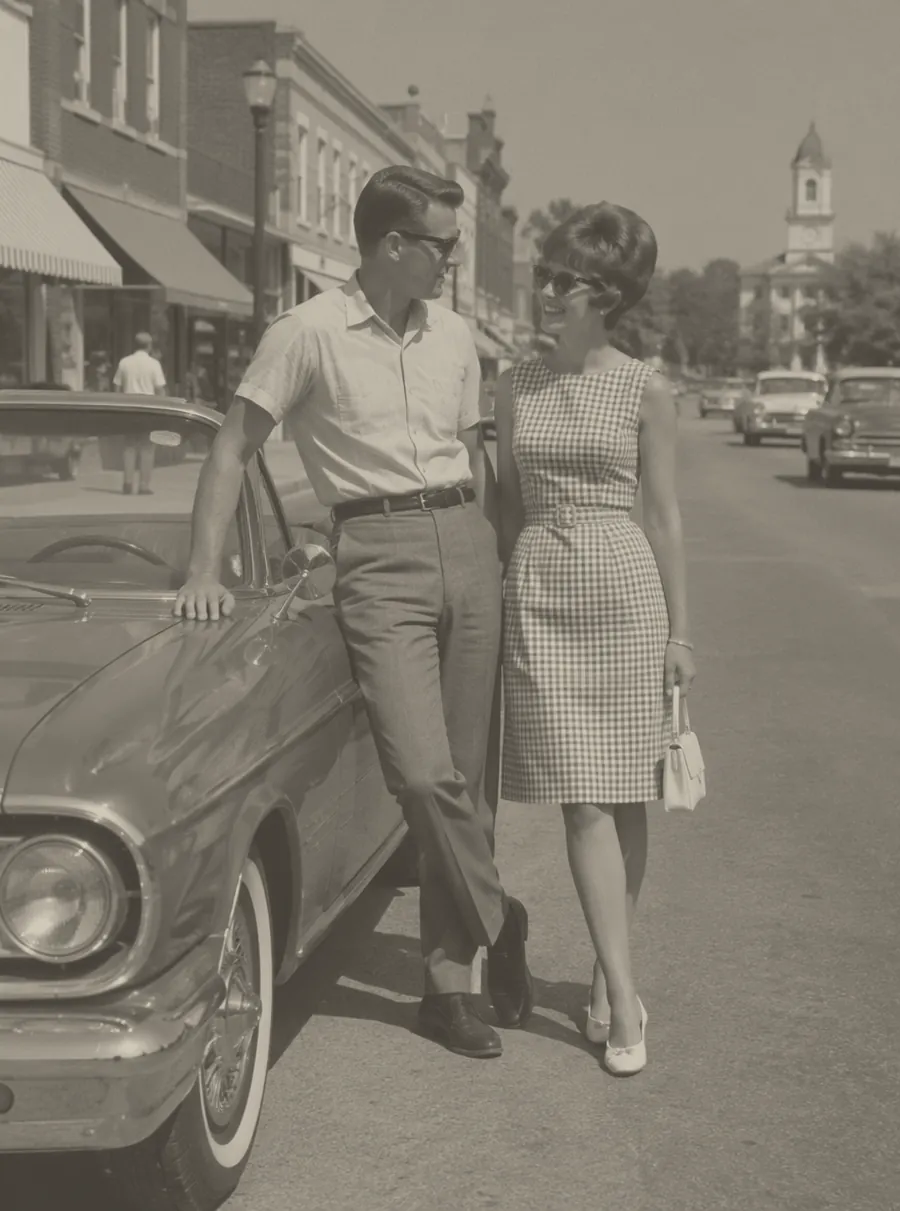 Colorize PhotoShowing the original
One sentence, one edit
Each pair below came out of the same editor you see above, from the prompt printed next to it.
- BeforeAfter
01
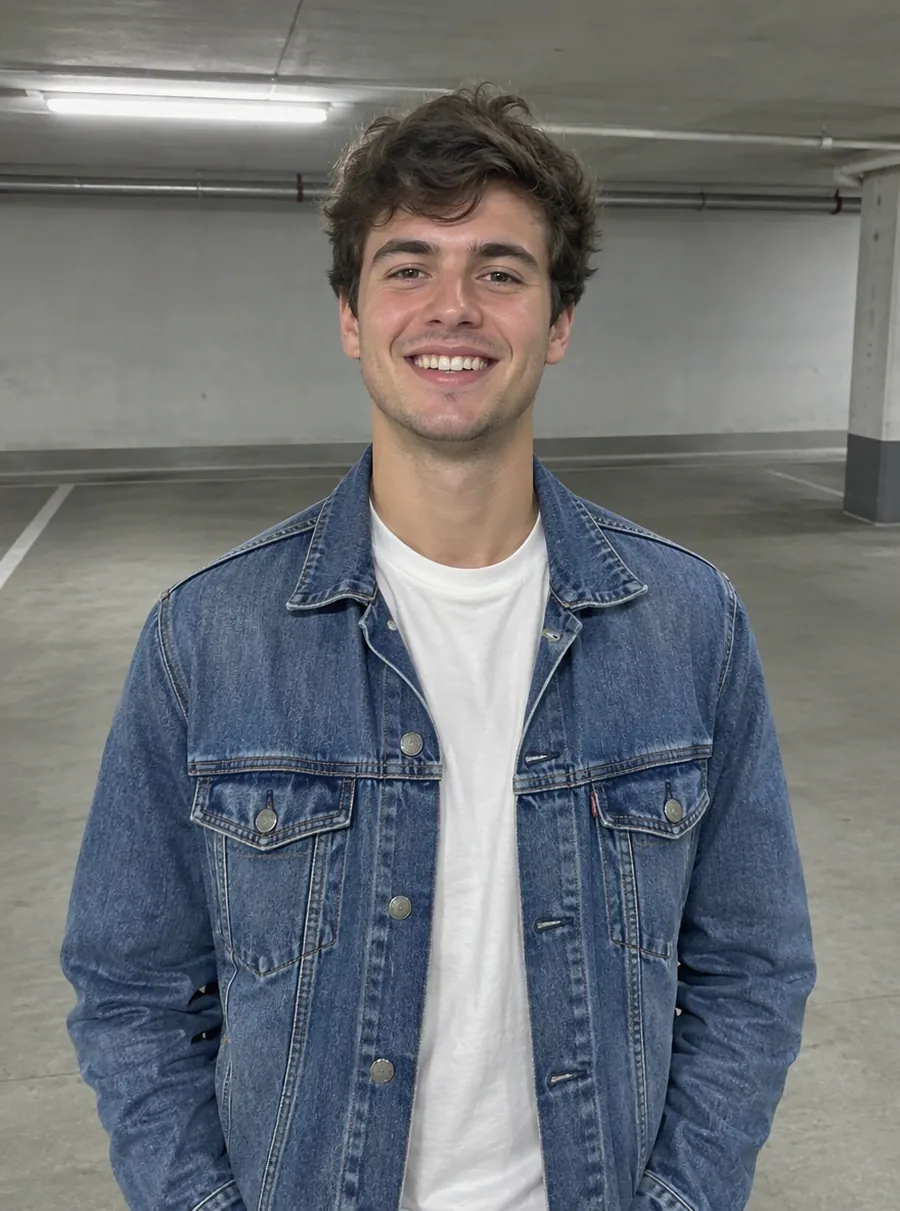
Change Background
Prompt: Change the background to a sandy beach at sunset
Change the background of a photo with a text prompt: plain white, a sunset beach or a modern office. AI builds the new scene around your subject.
Try Change Background - BeforeAfter
02
Remove Object from Photo
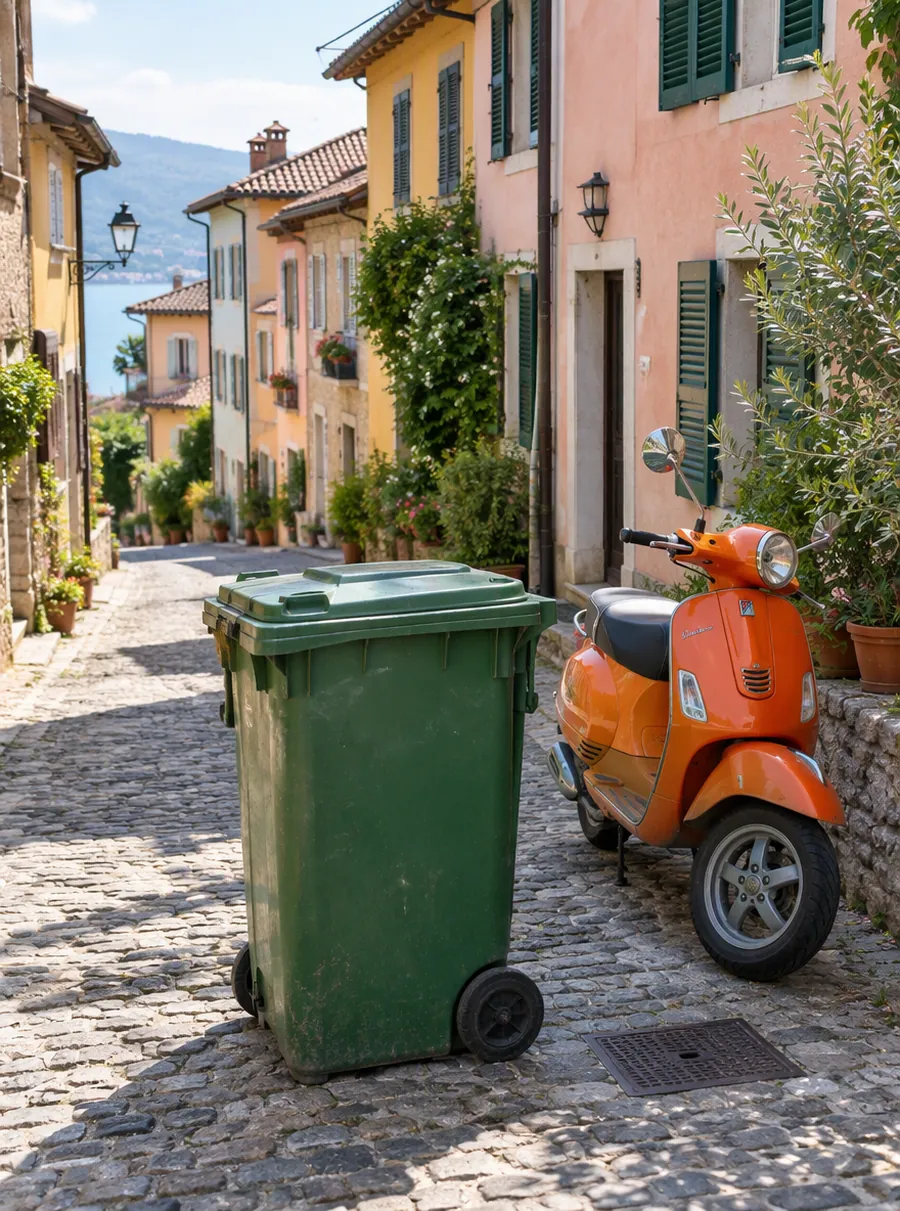
Prompt: Remove the green trash bin and the orange scooter
Remove unwanted objects from photos online. Describe what to erase, like wires, trash or a sign, and AI fills the gap to match the scene. Free daily.
Try Remove Object from Photo - BeforeAfter
03
AI Headshot Generator
Prompt: Navy blazer, white shirt, light gray studio backdrop
Turn a selfie into a professional headshot. Describe an outfit and a backdrop and AI restyles the photo around your features. For LinkedIn and resumes.
Try AI Headshot Generator - BeforeAfter
04
Photo Restoration
Prompt: Restore this old photo: remove creases, tears and stains
Restore old photos online with AI. Repair scratches, tears, fading and blur on scanned prints, then add color if you like. Free daily edits included.
Try Photo Restoration
Edit photo with AI in three steps
Upload a photo
Choose a JPG, PNG or WebP file from your device, or press Ctrl+V to paste a picture from your clipboard. Phone shots, screenshots, product photos and scans of old prints are all fair game.
Type what to change
Write one sentence the way you would brief a friend who is good at editing: what to change, where it sits in the frame, and what to leave alone. There are no layers or tool panels to learn first.
Download, or edit again
Look the result over against your original and download it. If it is close but not quite there, choose Edit again: the result becomes your new starting photo, and a short follow-up prompt adjusts it.
Why a sentence beats a toolbar
Classic photo apps make you learn where every tool lives before you can fix anything. An AI image editor turns that around. You say what the picture needs, and the edit follows from your description. That is what most people are after when they search for an AI edit photo tool, and it is the whole idea behind AI Image Edit.
Whether you call it an AI picture editor or a photo AI editor, the idea stays the same: plain words go in, an edited file comes out. Prompts are good at the jobs that used to eat an afternoon, like clearing a stranger out of a travel shot, swapping a messy room for a clean backdrop, or bringing color back to a faded print.
Because every result can go straight back in as the next original, you can build an edit in small steps. Take out the trash can first, then warm up the light, then shift the sky toward evening. Short, specific prompts usually land closer than one long request that tries to do everything at once.
What you can change with a prompt
Every job below starts from the same upload box. Open the page that matches your task for prompts and tips written for it, or simply type your request here.
Remove the background
Cut the subject out onto a transparent PNG for listings, slides and stickers. Prompts to remove background from products, portraits and pets are gathered on one page.
Change the background
Trade a cluttered room for a beach, a brick wall or a quiet street by describing the scene you want. The AI background changer page shows how much detail a good scene prompt needs.
Remove objects
Name the thing that spoils the shot, such as a power line, a parked scooter or a stray coffee cup, and ask for it to go. Our guide to remove object from photo scenes covers tables, streets and rooms.
Remove people
Tourists and photobombers can leave the frame without a crop. Describe who to take out by where they stand or what they wear; the remove person from photo page has prompts for crowds and group shots.
Remove text
Clear date stamps, captions and stray lettering by naming the words or where they sit. Prompts to remove text from image corners, signs and screenshots have their own page.
Unblur
Shaky hands and missed focus are why plenty of good moments get deleted. Ask for a sharper face or crisper lettering, then check what comes back; the unblur image page has prompts for faces, text and moving subjects.
Enhance
Dull, noisy or dim shots can get cleaner detail and livelier color, and an enhance to 1080p uses 1 credit. The AI photo enhancer page explains when enhancing is the right fix.
Upscale
When a picture is too small to print or crop, pick a target size of 1080p, 2K or 4K, with 2K and 4K on paid plans. The image upscaler page lists what each size suits.
Restore old photos
Scanned family prints with cracks, creases, stains or fading can be worked on by describing the damage you see. Start with the photo restoration prompts, and keep the original scan as a backup.
Colorize
Black-and-white and sepia pictures can get natural-looking color, and you can steer it by naming a dress color, a car or the season. Prompts to colorize photo scans are collected in one place.
Headshots
Turn a well-lit selfie into a profile picture with a plain backdrop and studio-style light. The AI headshot generator aims to keep your features, so look the result over before you post it.
Hair color
Try copper, platinum, pastel pink or jet black on your own photo before you book the salon. The AI hair color changer page has shade prompts that read clearly.
Prompt examples that work
A photo editor AI reads your words literally, so the clearest prompts name one change and say where it is. Copy any of these into the prompt box and swap in your own details.
| Prompt | What it does |
|---|---|
| Remove the two people walking behind me | Clears passersby and keeps you in place |
| Replace the background with a plain light gray wall | Gives a portrait or product a neutral backdrop |
| Erase the orange date stamp in the lower right | Takes printed digits off an old snapshot |
| Take the trash can off the sidewalk on the left | Cleans up one distracting object |
| Make the sky a warm sunset and keep the people as they are | Changes the mood without touching the subject |
| Colorize this black-and-white photo with natural skin tones | Adds color to a monochrome print |
| Fix the scratches and the fold line across the middle | Repairs visible damage on a scanned photo |
| Change my hair color to soft copper red | Previews a new shade before a salon visit |
Tips for writing your own
- Say where: in the top left, behind the dog, on the woman in the green coat.
- Ask for one change per prompt, then chain the next one with Edit again.
- Say what should stay, such as the lighting, the faces or the text on the sign.
- Describe the finished look, like a plain white background, rather than the steps to get there.
- If a result drifts, shorten the prompt instead of adding more words.
Before and after gallery
These pairs show the kind of jobs people bring to the editor, each with the prompt that produced the result.
Remove people
A beach photo with two strangers behind the subject. Prompt: remove the two people walking in the background.
Change the background
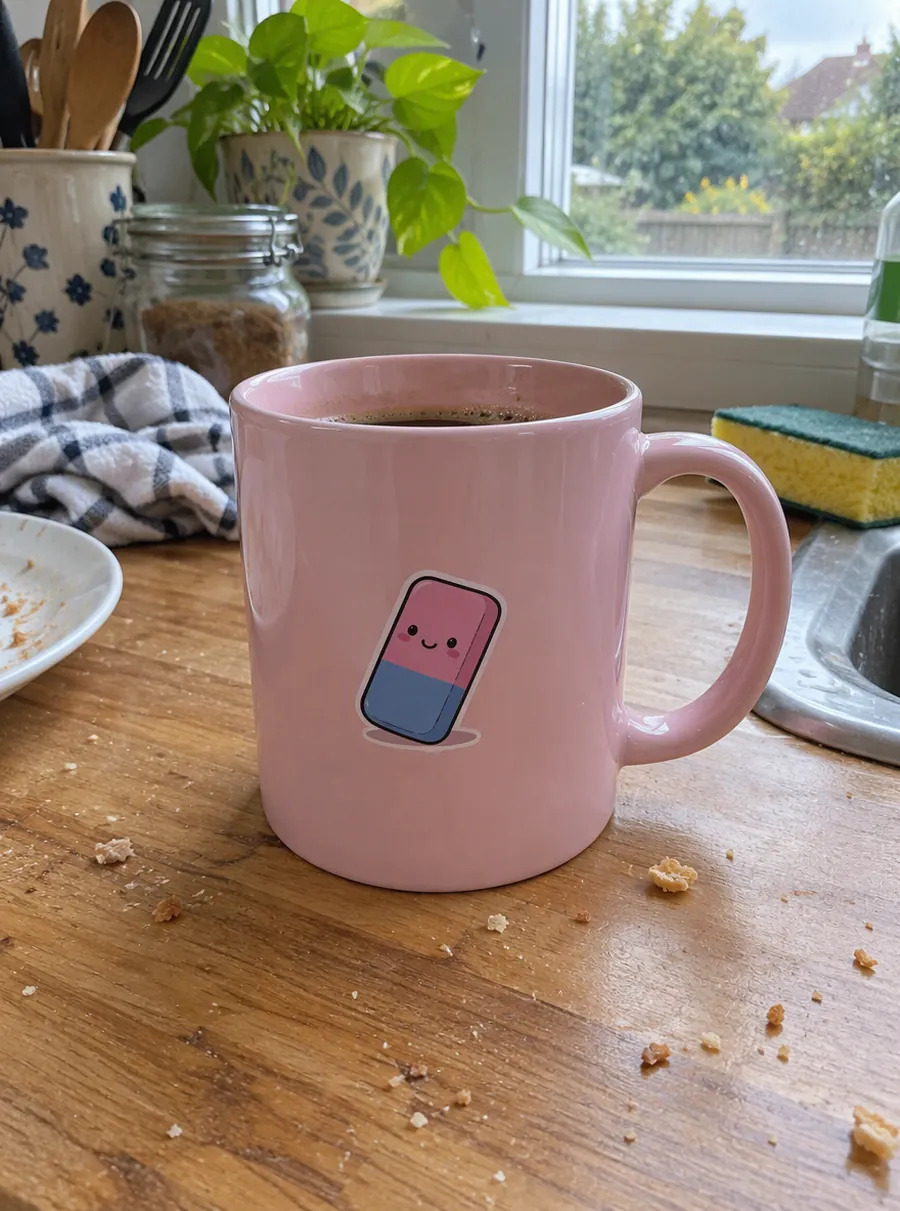
A mug shot on a cluttered desk. Prompt: put the mug on a light oak table next to a bright window.
Restore
A creased family print from the 1960s. Prompt: repair the creases and scratches and even out the faded patches.
Hair color
A selfie with dark brown hair. Prompt: change my hair to a soft copper red and keep everything else.
Free daily edits vs paid plans
If you came looking for an AI photo editor online free of hidden catches, here is exactly what free covers and what a plan adds.
| What you get | Guest | Free account | Plan or pack |
|---|---|---|---|
| Daily credits | 3 | 5 | 5, plus your plan or pack balance |
| Account needed | No | Yes | Yes |
| Largest output | 1K | 1K | 4K |
| High quality mode | No | No | Yes |
| Watermark | None | None | None |
| Biggest upload | 20 MB | 20 MB | 50 MB |
| Files stored | One week | One week | 180 days |
| Commercial use | Yes | Yes | Yes |
A standard 1K edit, a background removal or an enhance to 1080p costs 1 credit, so a guest can run three plain edits a day without signing in. Free credits come back every 24 hours, and unused ones do not carry over. If an edit fails, its credits return to your balance on their own.
Plans start at $9.99 a month for 250 credits, which is roughly 250 standard edits, and paying yearly saves 20%. One-time credit packs start at $4.99 and stay valid for 12 months. Compare every option on the plans and credit packs page.
What to expect from AI edits
AI edits are quick to try and cheap to redo, but they are not mind reading. An image editor AI sometimes changes a detail you never mentioned, like a shadow or a reflection, so view the result at full size before you post or print it.
Faces deserve the closest look. Prompts that touch a person, like a new hair shade or a headshot backdrop, aim to keep your features, but small differences can creep in. When that happens, run the prompt again or spell out what to keep.
Your results are yours to use, on a shop listing, a flyer or a client project. And since free edits carry no watermark, a test edit you like is a finished file, not a preview.
Related tools
Erase Unwanted Objects from Any Photo
Remove unwanted objects from photos online. Describe what to erase, like wires, trash or a sign, and AI fills the gap to match the scene. Free daily.
Change a Photo's Background by Describing the Scene
Change the background of a photo with a text prompt: plain white, a sunset beach or a modern office. AI builds the new scene around your subject.
Make a Blurry Picture Clear Again
Unblur images online with AI. Fix motion blur, soft focus and camera shake, then download a sharper photo. Nothing to install, with free daily edits.
AI Photo Restoration for Old and Damaged Pictures
Restore old photos online with AI. Repair scratches, tears, fading and blur on scanned prints, then add color if you like. Free daily edits included.
FAQ
Is there an AI image editor free no sign up?
Yes. AI Image Edit hands guests 3 credits every day with no account required, and a standard 1K edit uses 1 credit. Open the page, upload a photo, type your prompt and download. Nothing is stamped on the result. If you want a little more room, a free account raises the daily allowance to 5 credits.
Free AI image editor no sign up: what are the limits?
Guest results are 1K, roughly 1024 px along the longer edge, and uploads can be as large as 20 MB. The 3 daily credits refresh every 24 hours rather than piling up. Results are kept for 7 days, so download anything you want to hold on to. Larger output sizes and the High quality mode come with a plan or credit pack.
Does the AI photo editor free no sign up option add a watermark?
No. Free edits, with or without an account, download clean, and you can use them commercially. The trade-off for free is size: free results come out at 1K. If you need bigger files for print or a marketplace, 2K and 4K output are part of the paid plans and credit packs.
What makes a leading AI photo editor?
Look for three things: it understands plain-language requests, it lets you keep refining the same picture, and its free tier is honest about its limits. AI Image Edit is built around those points, with a free daily allowance, no watermark on free results and example prompts for every task, so you never face an empty box.
Is there an 18+ AI photo editor free?
Not here. AI Image Edit is made for everyday photo fixes such as clearing clutter, swapping backgrounds and restoring family pictures. Requests for sexual or explicit edits are not supported and may be blocked. If you want a free editor for ordinary photos, the daily credits work without an account.
Where can I find a free AI image editor online?
Right here, in the browser. Guests get 3 credits a day with nothing to sign up for, and a free account raises that to 5. A standard 1K edit costs 1 credit, results carry no watermark, and the allowance refreshes every 24 hours. Paid plans only matter once you need 2K or 4K output or more edits per day.
Can I use the edited photos commercially?
Yes. Edits made with AI Image Edit can be used commercially, whether you made them with free credits or a paid plan. That covers product listings, ads, social posts and client work. If a photo shows other people, or a brand you do not own, make sure you have the right to use that content in the first place.
Describe your first edit
Pick a picture, write one sentence, and see what comes back. Your free daily credits are already waiting.