
LinkedIn · Resumes · Team pages
Turn a Selfie into a Professional Headshot
This AI headshot generator starts from a selfie you already have. Describe the outfit and backdrop, like "navy blazer, light gray studio backdrop", and get a professional-looking headshot that aims to keep your features.
- No watermark
- Commercial use
- Keep editing the result
Check the face before you use it · Failed edits return their credits
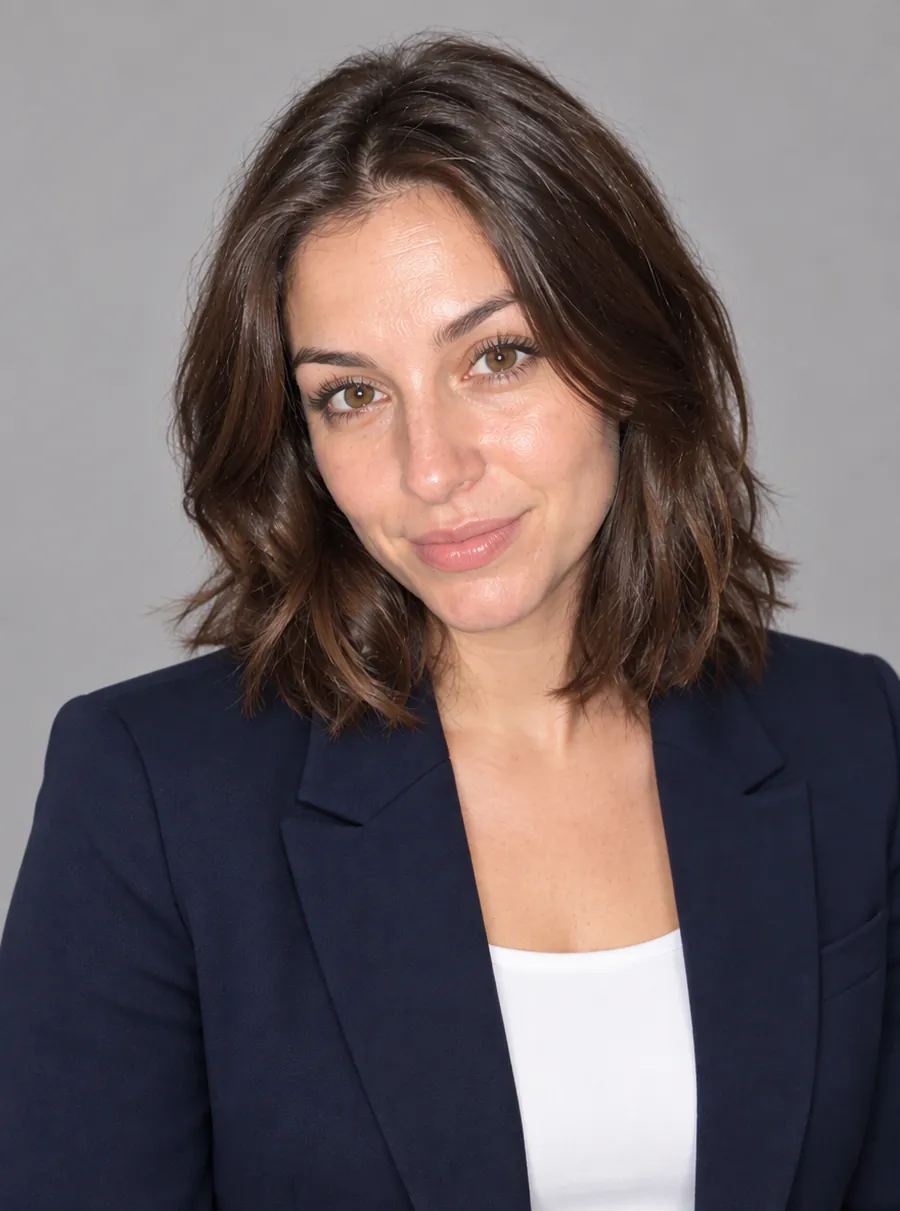
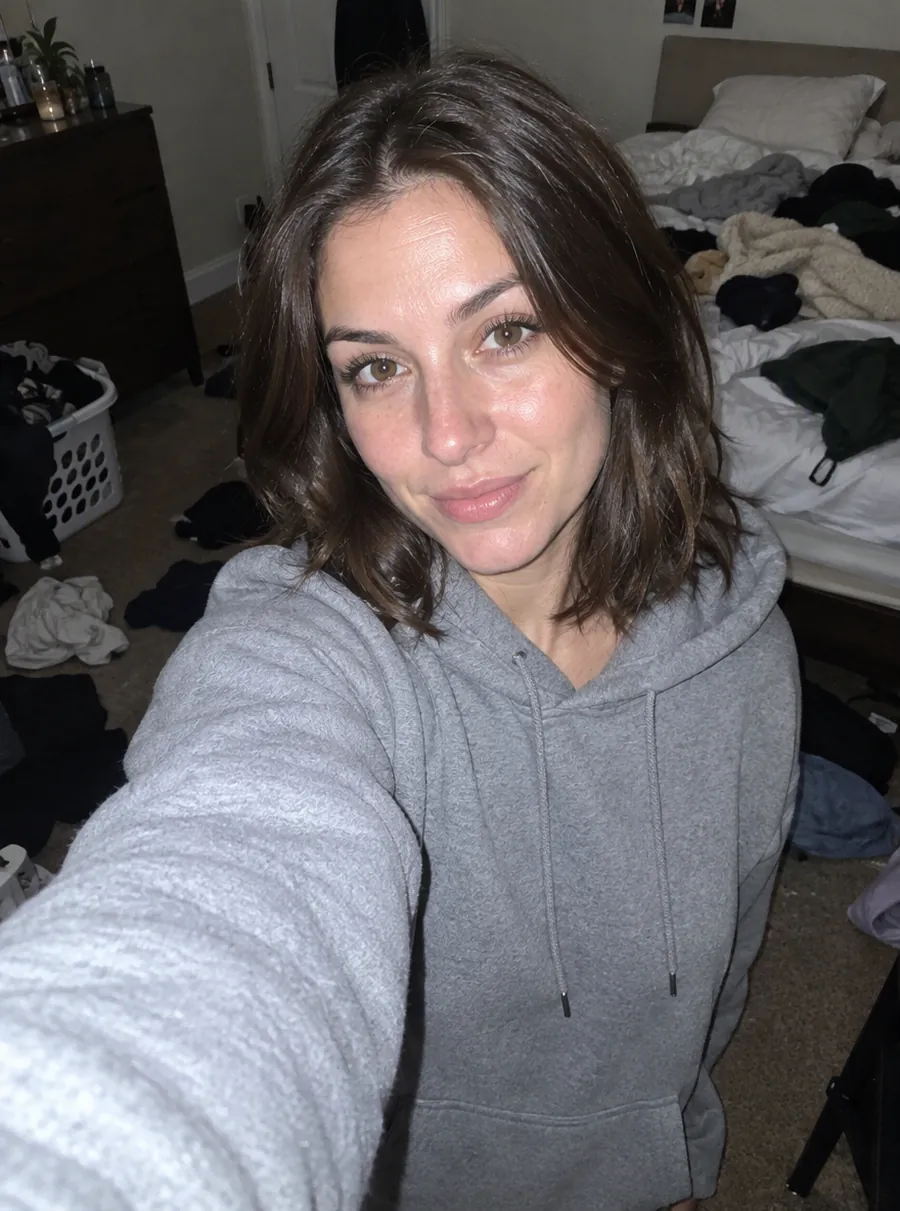
Prompt: “Navy blazer, white shirt, light gray studio backdrop”
How to make an AI headshot
Three things decide the result: the selfie you start from, the words you use, and how carefully you check what comes back.
Pick a clear selfie
Choose a photo where your face is sharp, evenly lit and turned roughly toward the camera. Head and shoulders is enough, since the clothing and background get replaced. Tips for taking a better one are further down.
Describe the outfit and backdrop
Write it the way you would describe the look to a friend helping you dress: "charcoal suit, white shirt, soft gray backdrop" or "light blue sweater, blurred office behind me". Add framing if it matters, such as "head and shoulders, centered".
Check the face before anything else
Put the result next to your selfie. Look at your eyes, nose, smile, hairline and skin tone. If something is off, run it again with a new description, or press Edit again to change one detail, like the collar or the lighting.
Download and use it
Save the file and upload it to LinkedIn, your resume or your company's team page. Free downloads carry no watermark, so there is nothing to crop out.
Outfits and backdrops that read professional
Professional headshot AI results look most believable when the outfit and backdrop suit your field. Some combinations that work across most industries:
- Corporate, law and finance: a dark suit or blazer, a plain light shirt, and a neutral gray or soft white backdrop.
- Tech and startups: a solid crew-neck sweater or an open-collar shirt, with a softly blurred office or a plain mid-gray wall.
- Creative work: one bold color you actually wear, against a warm plain backdrop.
- Healthcare and education: a collared shirt, a cardigan or scrubs, with a light, clean background.
- Real estate and sales: a navy or camel blazer and a bright, friendly backdrop.
Plain backdrops age better than busy ones. Solid fabrics also hold up better than fine stripes or small checks, which can shimmer when the photo is shown small. If you only want a new backdrop behind a photo you already like, the change background page has prompts for exactly that.
Headshot prompts you can copy
Copy a line below, then swap the colors and fabrics for what you really wear. A headshot that looks like your real work clothes is more useful than a costume.
| Prompt | What it does |
|---|---|
| Navy blazer, white shirt, light gray studio backdrop | Classic corporate look with a clean, neutral background |
| Charcoal crew-neck sweater, softly blurred modern office behind me | Relaxed profile photo for tech and startup roles |
| Black turtleneck, warm beige backdrop, soft light from the left | Calm, editorial feel for creative jobs |
| White collared shirt, plain white background, head and shoulders, centered | Simple resume photo that still reads at small sizes |
| Keep my outfit, replace the background with a plain mid-gray wall | Tidies a selfie without changing what you wore |
| Same photo, soften the shadows under my eyes and straighten my collar | Small fixes on a result you already like |
Headshots for LinkedIn and resumes
LinkedIn shows your photo as a small circle, so a head-and-shoulders crop with your face in the middle works best. Plain or softly blurred backdrops stay readable at that size. Smile if you would smile in a meeting; an approachable face invites more replies than a stiff one.
Resumes and job applications
In the US, many recruiters prefer resumes without a photo, so check the norms in your field first. Where a photo is expected, as in some European countries, pick a neutral backdrop and simple clothing, and make sure it still looks like the person who will walk into the interview.
Team pages and directories
For a company website, consistency matters more than any single photo. Use one prompt with the same backdrop and similar clothing for everyone, and the page looks planned even if each selfie was taken in a different room.
Will it still look like me?
It aims to, and you should check every time. The AI tries to keep your features while it changes clothing, lighting and background, and a sharp, well-lit selfie gives it the most to work with. It can still shift small things: the shape of a smile, the width of a nose, your skin tone, the line of your hair.
Before you put AI generated headshots in public, compare them with your selfie at full size and ask someone who knows you well. A headshot exists so people recognize you when you meet. If it shows a polished stranger, it is not doing its job, however good it looks.
When a result drifts, these usually help:
- Add "keep my face unchanged" to the description.
- Start from a sharper selfie taken facing a window.
- Change less in one go: outfit first, then backdrop, with Edit again between the two.
Tips for a selfie that works
- Face the light. Stand facing a window so daylight falls evenly on your face. Light from behind leaves you in shadow.
- Camera at eye level. A phone held below your chin changes the shape of your face. Prop it on a shelf at eye height or ask someone to take the picture.
- No sunglasses or hats. The AI needs to see your eyes and hairline. Everyday glasses are fine; tilt them slightly to avoid reflections.
- A natural expression. A relaxed face or a small smile, the one you would bring to a meeting.
- Step back a little. A selfie taken at full arm's length, or by a friend from a few feet away, avoids the stretched nose of a close-up.
Thinking about a new hair color before your next photo? Try it out first with the hair color page, then make your headshot.
A free AI headshot generator with no watermark
You can use this headshot generator free without making an account: guests get 3 credits a day. Register for free and the daily number goes up to 5. Credits refill every 24 hours rather than adding up, and if a run fails, its credits come back to you automatically.
Free AI headshots download at 1K, around 1024 pixels on the long side, which is more than a LinkedIn profile or a resume needs. Subscribers can switch to 2K or 4K output, plus a High quality mode, when a bigger file is needed for a speaker page or a printed program.
FAQ
What is the best AI headshot generator?
The best one is the one whose result you would recognize as yourself. Judge any tool on your own selfie rather than its sample gallery: check that your features survive, that you can describe the outfit and backdrop you want, that free downloads are not watermarked, and that you can tweak a result instead of starting over. Price matters less than whether you would actually use the photo.
What's the best AI headshot generator for LinkedIn?
One that gives you a clean head-and-shoulders crop on a plain or softly blurred backdrop. Resolution is a low bar here, since a 1K file is plenty for a profile photo. The real test is recognition: pick the version that looks like you on a good day, not the most polished one, so people who meet you later are not surprised.
Is there a free AI headshot generator no sign up needed?
Yes. Guests can make headshots here without an account, using 3 free credits a day, and the downloads have no watermark. Creating a free account raises the allowance to 5 credits a day. Unused credits reset every 24 hours instead of stacking up, so it is worth trying a few different descriptions on the same selfie.
What is an AI virtual headshot generator?
It is a tool that turns an everyday photo into a headshot without a photo shoot. You provide a selfie and describe the look, and the AI rebuilds the clothing, lighting and background around your face. The result is a virtual headshot, an AI professional headshot rather than a photograph of that moment, so check that it still looks like you before using it.
How to make an AI headshot?
Upload one clear selfie, then type the look you want, for example "navy blazer, white shirt, soft gray studio backdrop". Generate, compare it with your original, and adjust the prompt if the outfit or lighting is off. Before you post it, check that the result still reads as you; if something looks wrong, run it again from the original photo.
How many selfies do I need?
One. Each headshot starts from a single selfie, and you can run several descriptions on the same photo to compare looks. If one selfie keeps giving results that drift away from your face, switch to a different one taken in better light rather than piling more words into the prompt. A sharp, front-facing photo is the most useful starting point.
Can I use my AI headshot for work?
Yes. You are free to use what you make here commercially, so a headshot can go on a company website, a speaker bio or a sales profile. Some employers, licensing bodies and ID documents ask for an unedited photo, so check their rules first. Do not use an AI headshot for a passport, a driver's license or any other official ID.
Related tools
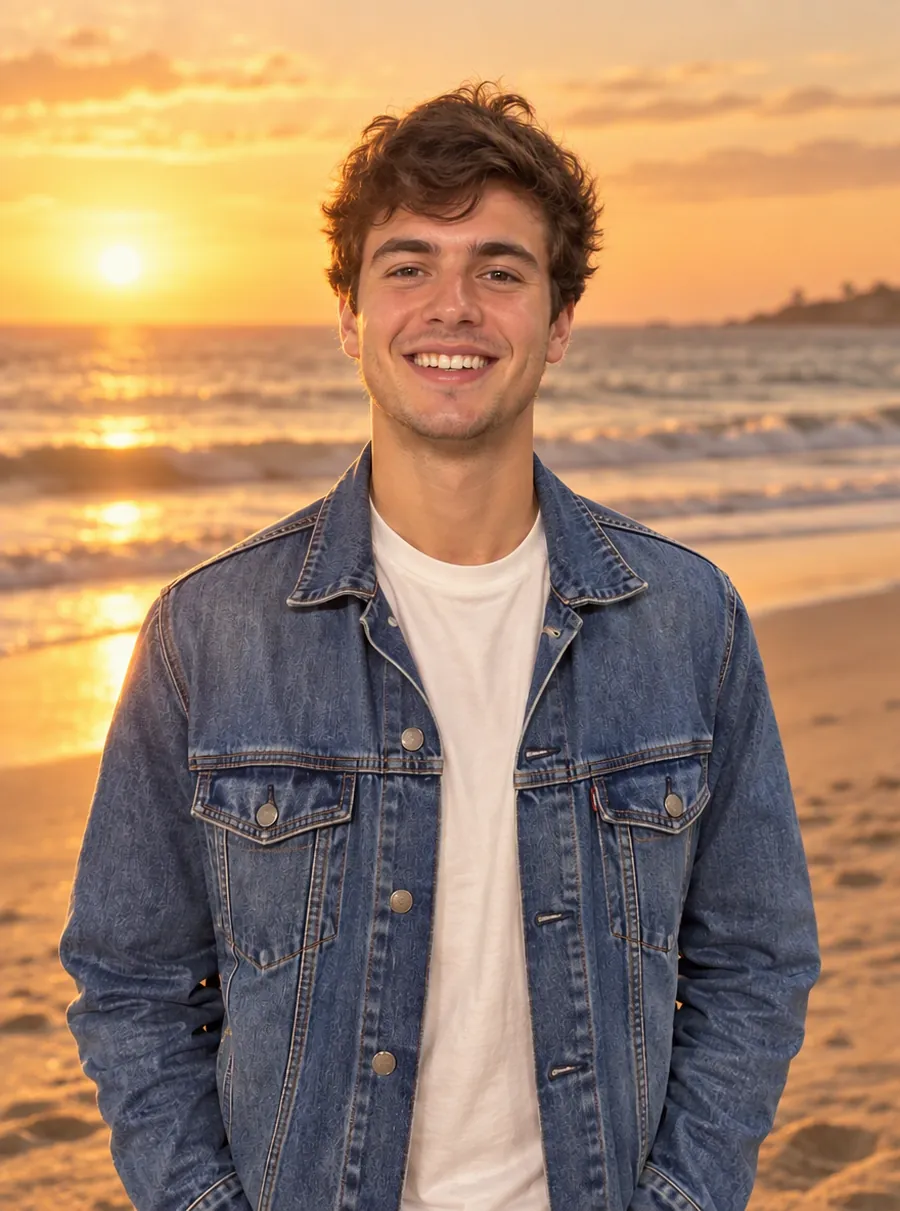
Change a Photo's Background by Describing the Scene
Change the background of a photo with a text prompt: plain white, a sunset beach or a modern office. AI builds the new scene around your subject.

Enhance Photo Quality with AI
Enhance photo quality online. Fix dull color, noise, soft detail and low light in one pass, then download a cleaner version of your picture. Free daily.
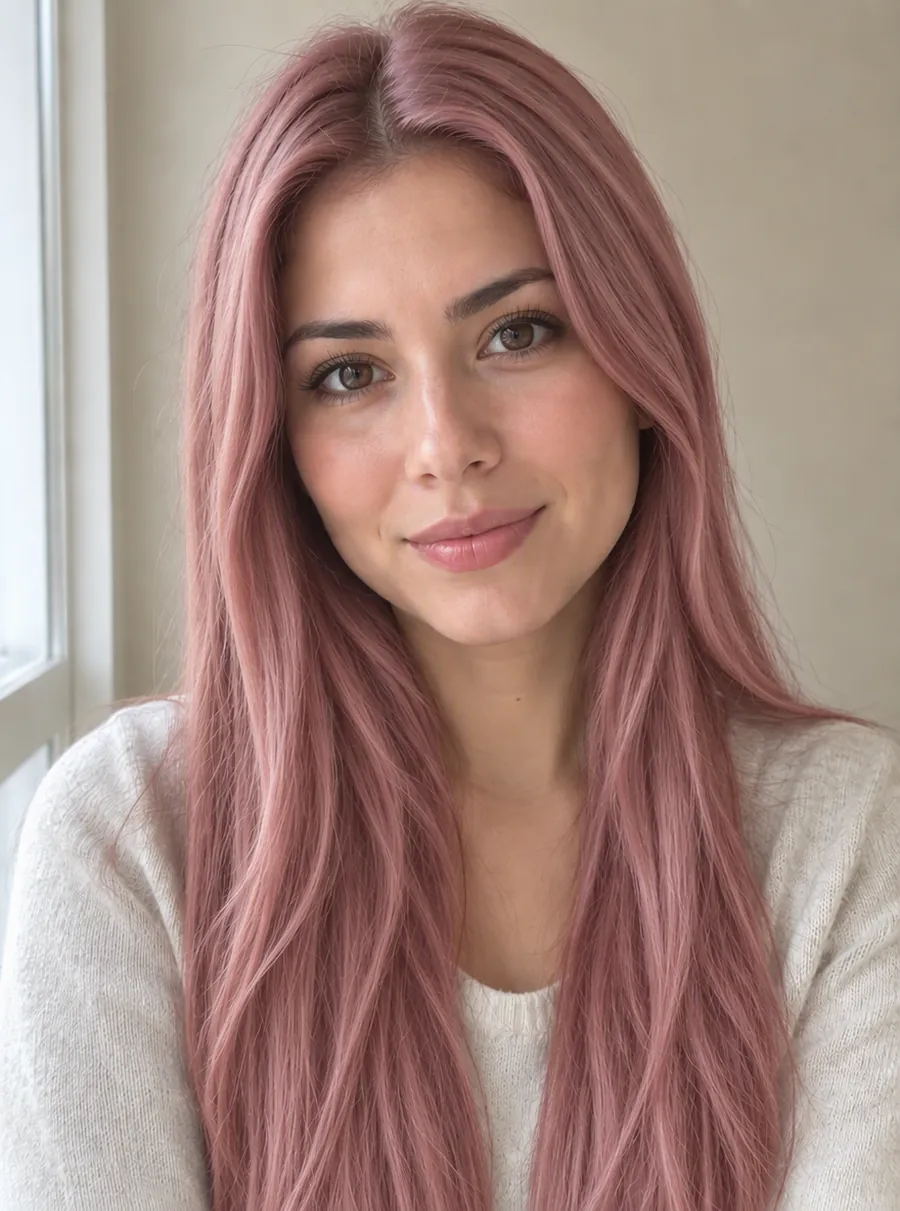
See Yourself with a New Hair Color Before You Dye
Try on hair colors with AI before you book the salon. Upload a selfie, type a shade like copper or ash blonde and see it on your own hair. Free daily.
AI Photo Editor
Upload a photo and type what to change. Remove objects, swap backgrounds, fix blur and restore old photos with an AI image editor online. Free daily edits.
Your next profile photo, from a selfie
Describe the look, check the face, then download it.