
Transparent PNG · New scene by prompt
Remove the Background from Any Photo
Upload a picture to remove background clutter and keep only the person, product or pet, saved as a transparent PNG. Use the cutout as it is, or write one sentence about a new scene and let the AI build it behind your subject.
- Transparent PNG
- No watermark
- Commercial use
Transparent PNG at the original size
1 credit per removal · Free credits refresh every 24 hours

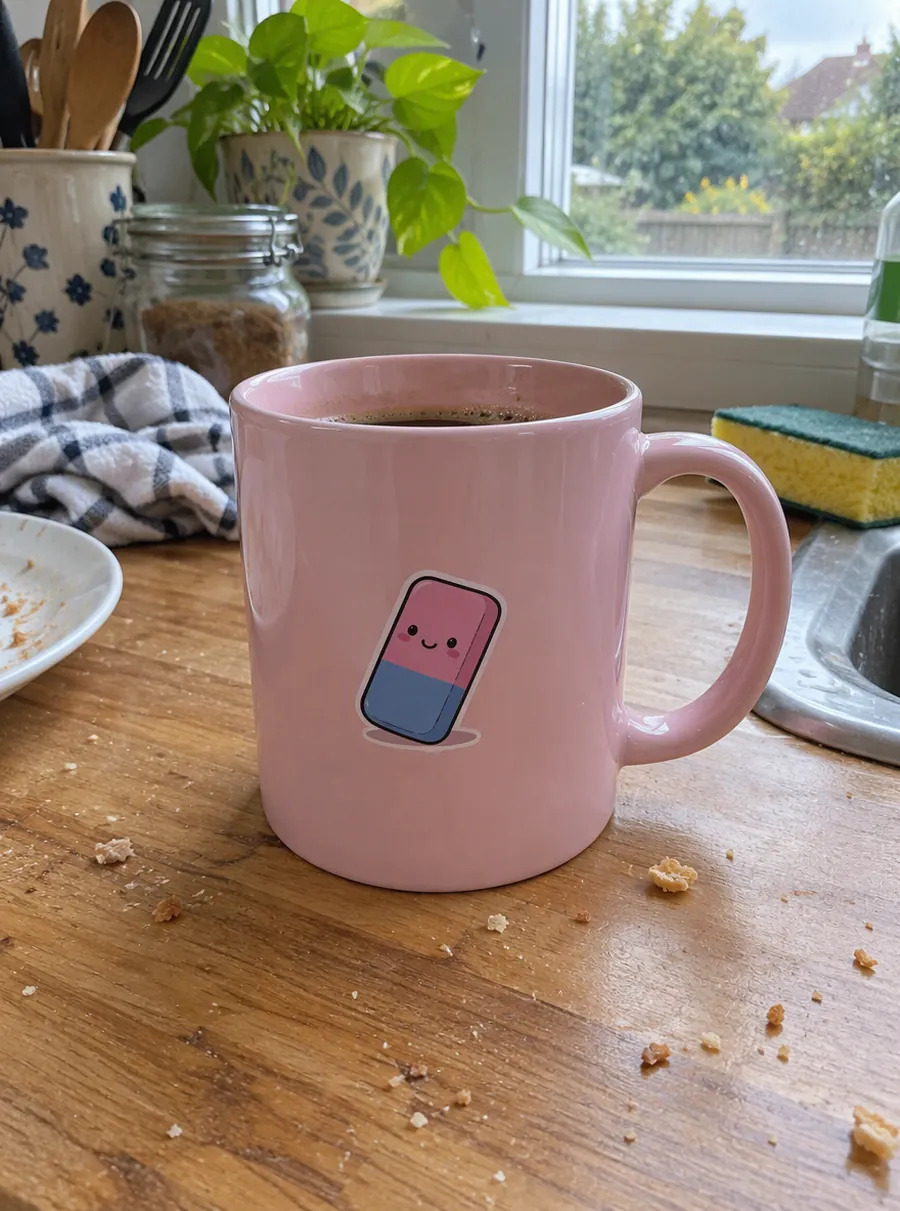
How to remove a background in three steps
1. Add the photo
The upload area takes JPG, PNG and WebP files up to 20 MB on the free plan. Drag the file in, browse for it, or copy an image anywhere on your computer and press Ctrl+V while this page is open. Some phones save pictures as HEIC; export those as JPG before you upload.
2. Let the AI find the subject
The AI reads the picture, works out what stands in front, and separates it from everything behind. You never outline or trace anything. A person on a crowded street, a sneaker on a bedspread and a cat on a patterned rug all go through the same way, and one removal costs a single credit.
3. Save the PNG, or describe what goes behind
Download the transparent file if that is all you need. If the subject needs a new home, press Edit again on the result and type the scene, for example "a white marble counter with soft window light". That second run is a standard edit, which also costs one credit at 1K.
Transparent PNG or a new background
The cutout is the same either way. What changes is where it goes next.
| Result | Good for | What you do |
|---|---|---|
| Transparent PNG | Logos, stickers, slide decks, mockups, website graphics | Download right after the removal |
| New scene from a prompt | Shop listings, social posts, ads, profile pictures | Press Edit again and describe the setting |
| Plain color | Catalog sets, team pages, printed flyers | Ask for the color by name, such as "light beige backdrop" |
A transparent file is the flexible option. The gray-and-white checkerboard in the preview only stands for empty pixels, so the subject drops onto any color, photo or layout without a box around it. Keep the file as PNG when you move it around, because saving it as JPG fills the empty area with a solid color again.
A prompt is the shortcut when you already know where the subject belongs. Instead of exporting, opening a design app and hunting for a stock photo, you type "on a picnic blanket in a sunny park" and get a finished image back. That is the part a plain cutout tool can't do.
What it handles: portraits, pets, products and logos
- Portraits — selfies, couples, full-length outfit shots. Loose strands of hair are the trickiest part of any cutout, so zoom in on the edges before you publish.
- Pets — dogs, cats, rabbits, a horse in a field. Fur behaves like hair: a sharp photo gives a cleaner outline than a blurry one.
- Products — shoes, candles, bottles, handmade jewelry, anything you shot on the kitchen table because that was where the light was.
- Logos and graphics — a mark saved on a white box or photographed on paper. Once it is transparent, it sits on a dark website header just as well as on a light one.
- Bigger objects — a bike against a garage door, an armchair in a living room, a car in a driveway.
Whether you call it a bg remover, a transparent background maker or just remove bg, the job is the same: keep the subject, drop the rest. Where this free background remover differs is the step after, when you describe a scene instead of leaving the space empty. Results are best when the subject is in focus and stands out from what is behind it. A white dog in front of a white wall, heavy motion blur or strong backlight make the edge harder to find. If a run fails outright, its credit returns to your account by itself.
Remove background vs change background
These two pages sit next to each other because people often need both, one after the other.
| Question | This page | Change background |
|---|---|---|
| What you get | The subject alone on transparent pixels | The subject inside a new scene |
| What you type | Nothing for the cutout; a prompt only if you add a scene | One sentence describing the scene |
| Pick it when | The image goes into another design, or you want options later | You already know the setting you want |
Stay here when the cutout itself is the product: a logo for a client, a sticker, an element for a slide. If you want the swap in a single prompt and don't need the empty version, the change background tool is the shorter route.
And if the scene is fine but one thing in it is not, such as a trash can or a stranger's elbow, keep the background and erase that single item with the object remover.
Prompts for the scene behind your cutout
After the removal, press Edit again and paste one of these. Swap the details for your own subject.
| Prompt | What it does |
|---|---|
| Put it on a pure white background with a soft shadow underneath | A clean backdrop for marketplace listings |
| Light gray paper backdrop, studio lighting from the left | A neutral catalog look with directional light |
| Place the sneakers on wet city pavement at night with neon reflections | A moody street scene for an ad or post |
| Sunny kitchen counter, blurred window in the background | A lifestyle setting for home goods |
| Sit the dog on green grass in a park, late afternoon light | A warm outdoor pet portrait |
| Pastel pink backdrop with a little confetti on the floor | A party or birthday announcement |
Three habits make these work. Name a surface and a light source, because those decide whether the subject looks placed or pasted. Keep it to one sentence. And if the shadows point the wrong way, add "light from the right" or "light from above" and run it again.
What's free and what costs credits
Most people can remove background from image free of charge here. A guest gets three credits a day, a free account gets five, and the count resets 24 hours later; leftover credits don't carry over to the next day. One removal uses one credit, and so does a 1K scene prompt.
That also makes this a background remover free of watermarks: a free cutout is 1K, roughly 1024 px along its longer edge, with nothing stamped on it, and commercial use is fine. Upgrading unlocks 2K and 4K output, a High quality mode, 50 MB uploads and 180 days of file storage instead of 7, with monthly plans from $9.99.
FAQ
How to remove background from image files for a store listing?
Upload the product shot, let the AI cut it out, then press Edit again and type "pure white background with a soft shadow under the product". That gives you a listing photo without a separate design app. Check the label, edges and colors against the real item before publishing, and reuse the exact prompt on every product so the whole set matches.
How to remove background from picture taken on a phone?
Upload it like any other file. Some phones save HEIC by default; if yours does, export the shot as JPG first, since the uploader accepts JPG, PNG and WebP. For the cleanest edge, photograph the subject against a wall that contrasts with it, hold the phone steady, and avoid shooting straight into a bright window.
How to remove the background of a picture for slides or a website?
Download the transparent PNG and place it straight onto the slide, page or design. The background is empty rather than white, so the subject sits on any color or photo without a rectangle around it. Keep it as PNG when you upload it elsewhere, because converting to JPG fills the empty pixels with a solid color.
How to remove a background from a picture and add a new one?
Do it in two runs. First take the background out here, then press Edit again on the result and describe the replacement, for example "a quiet bookstore aisle with warm light". Each run costs one credit at 1K. You can try several scenes on the same cutout and keep the one you like.
How to remove white background from image?
Upload it and download the transparent result: the white area becomes empty pixels. This is the usual fix for a logo saved on a white box, clip art, or a scanned pencil sketch. Watch subjects that are pale themselves, like a white mug or a cream dress, and zoom in on their edges. If part of the subject went missing, try a photo with more contrast.
What is the free AI tool to remove background?
AI Image Edit lets you remove background free every day: three credits as a guest, five on a free account, one credit per removal. Results download at 1K with no watermark, and commercial use is allowed. If remove.bg has been your usual tool, its FAQ says the standalone website will no longer be available from 1 December 2026.
Related tools

Change a Photo's Background by Describing the Scene
Change the background of a photo with a text prompt: plain white, a sunset beach or a modern office. AI builds the new scene around your subject.
Erase Unwanted Objects from Any Photo
Remove unwanted objects from photos online. Describe what to erase, like wires, trash or a sign, and AI fills the gap to match the scene. Free daily.

Enhance Photo Quality with AI
Enhance photo quality online. Fix dull color, noise, soft detail and low light in one pass, then download a cleaner version of your picture. Free daily.
AI Photo Editor
Upload a photo and type what to change. Remove objects, swap backgrounds, fix blur and restore old photos with an AI image editor online. Free daily edits.
Clear the background, then pick the scene
Start with the cutout; decide on transparent or a brand-new setting once you see it.